Buy gold from a customer
Use Buyback when a customer sells you gold and is paid out. If the gold is traded in against a purchase instead, use the Trade-in card on the sale.
{% hint style="warning" %} A buyback is refused until today's rates are locked.
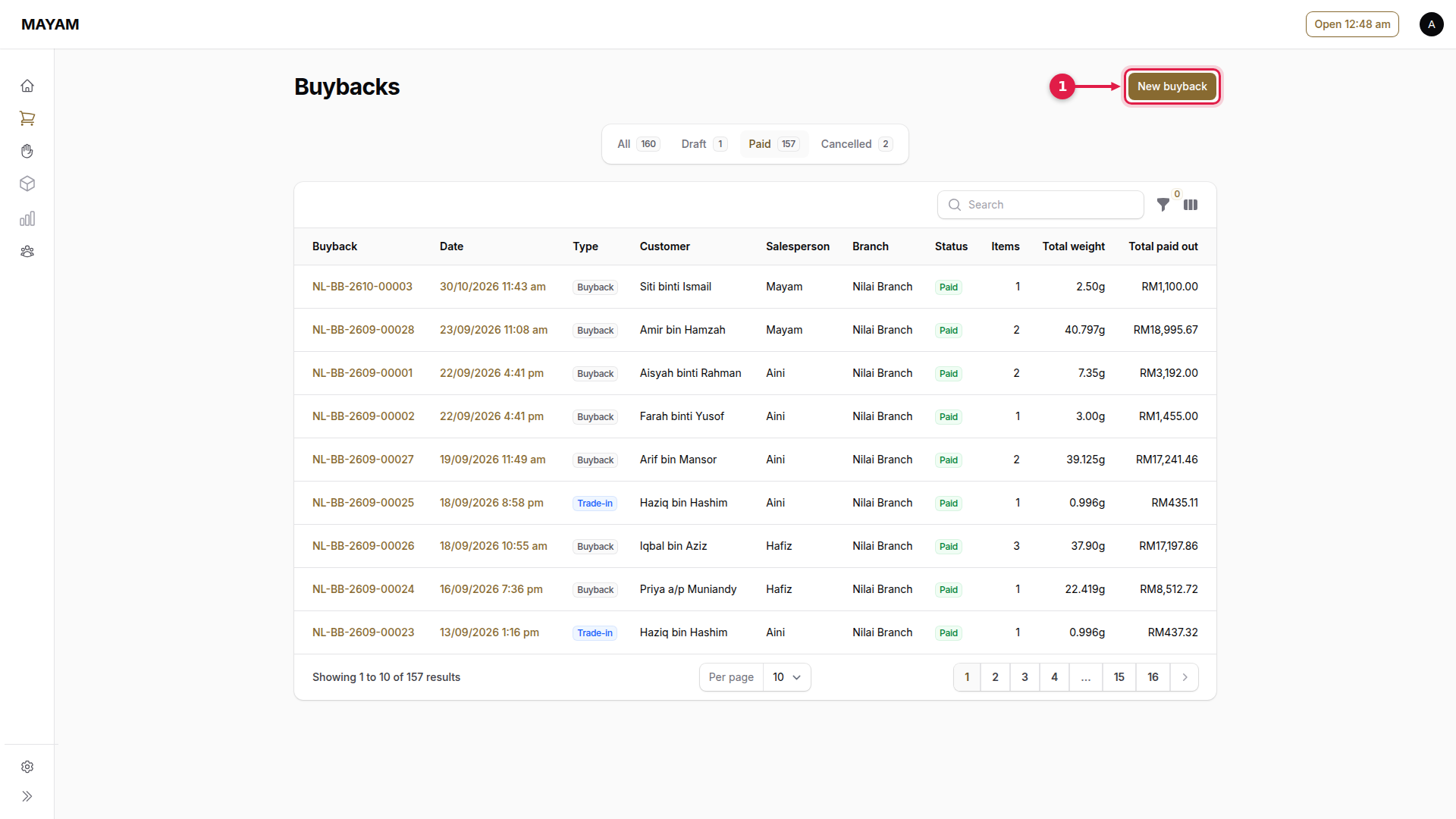
1. Press New buyback
Go to Counter → Buyback and press New buyback.
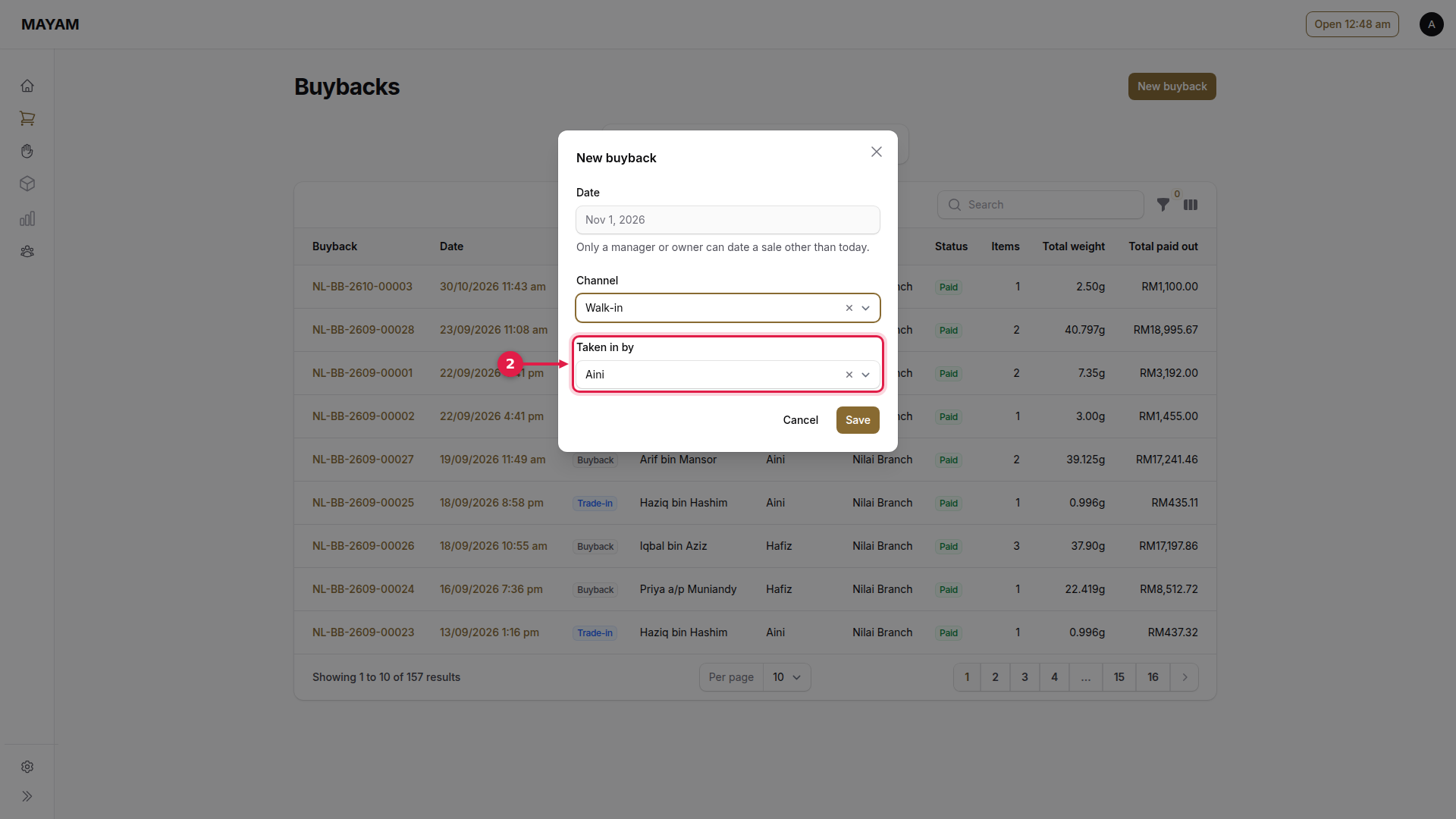
2. Choose who is taking the gold in
At a counter login, enter their PIN.
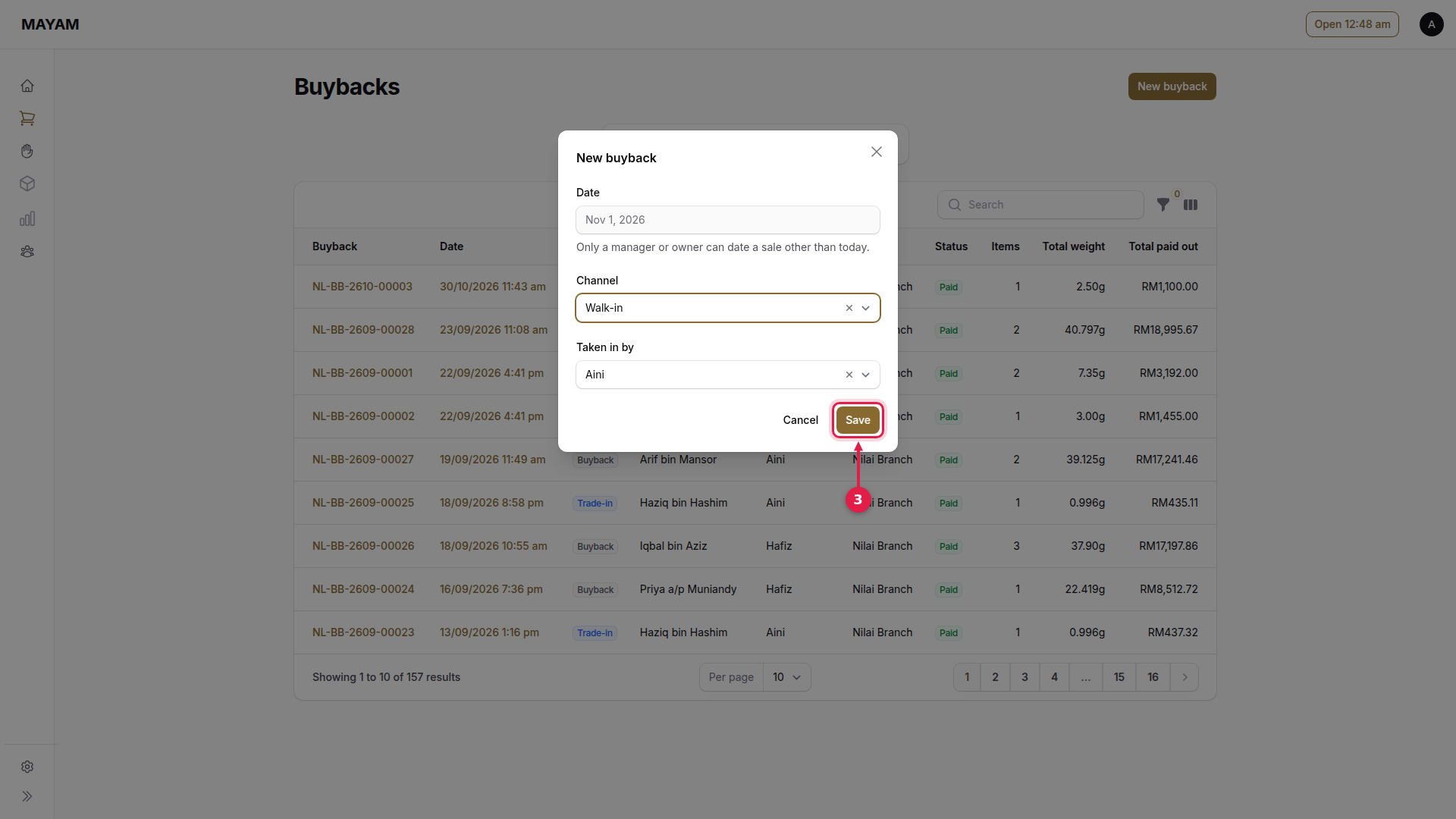
3. Press Save
4. Press the Name box
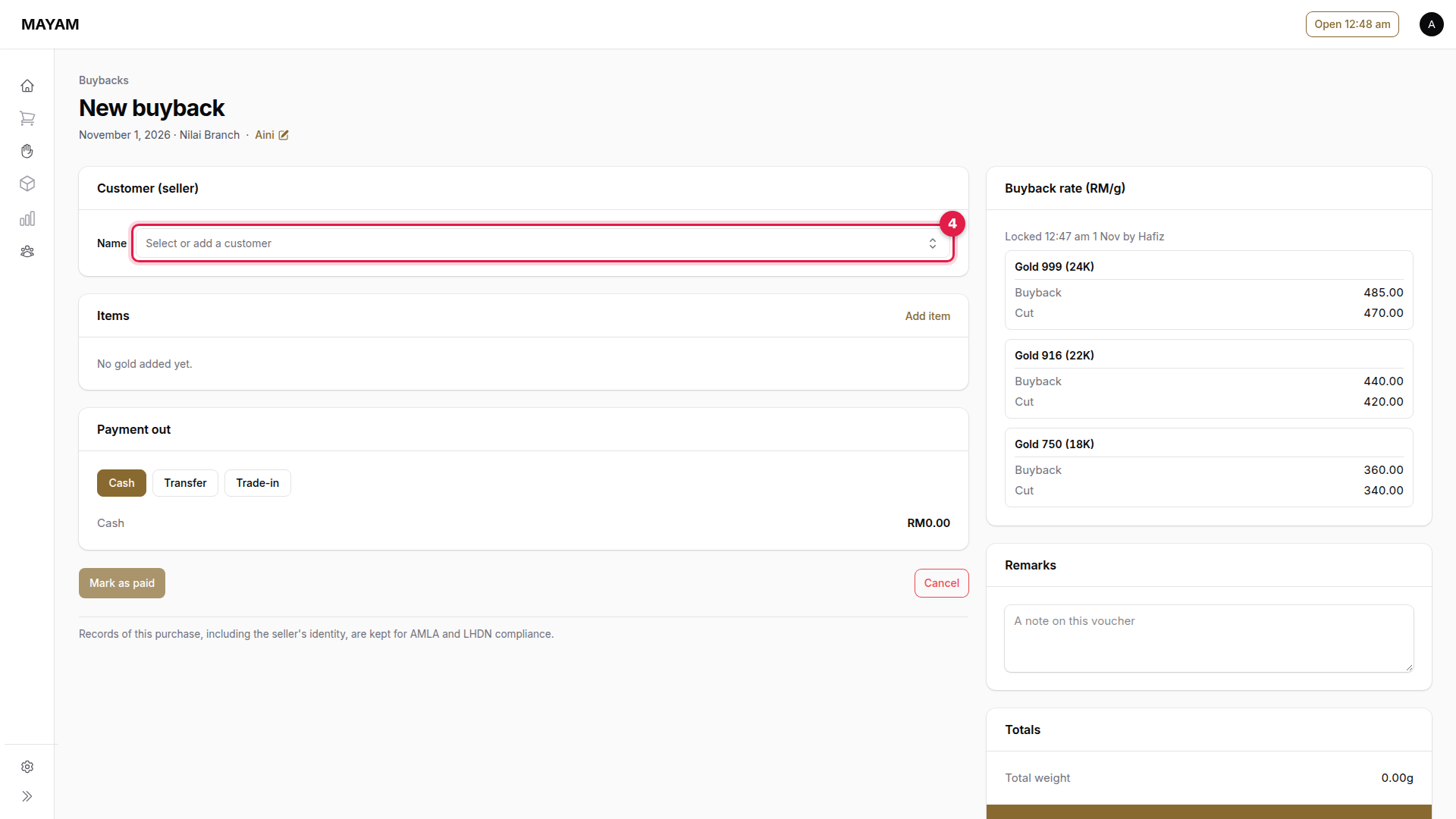
5. Search for the seller
Type their phone number, IC or name. For someone new, press New customer.
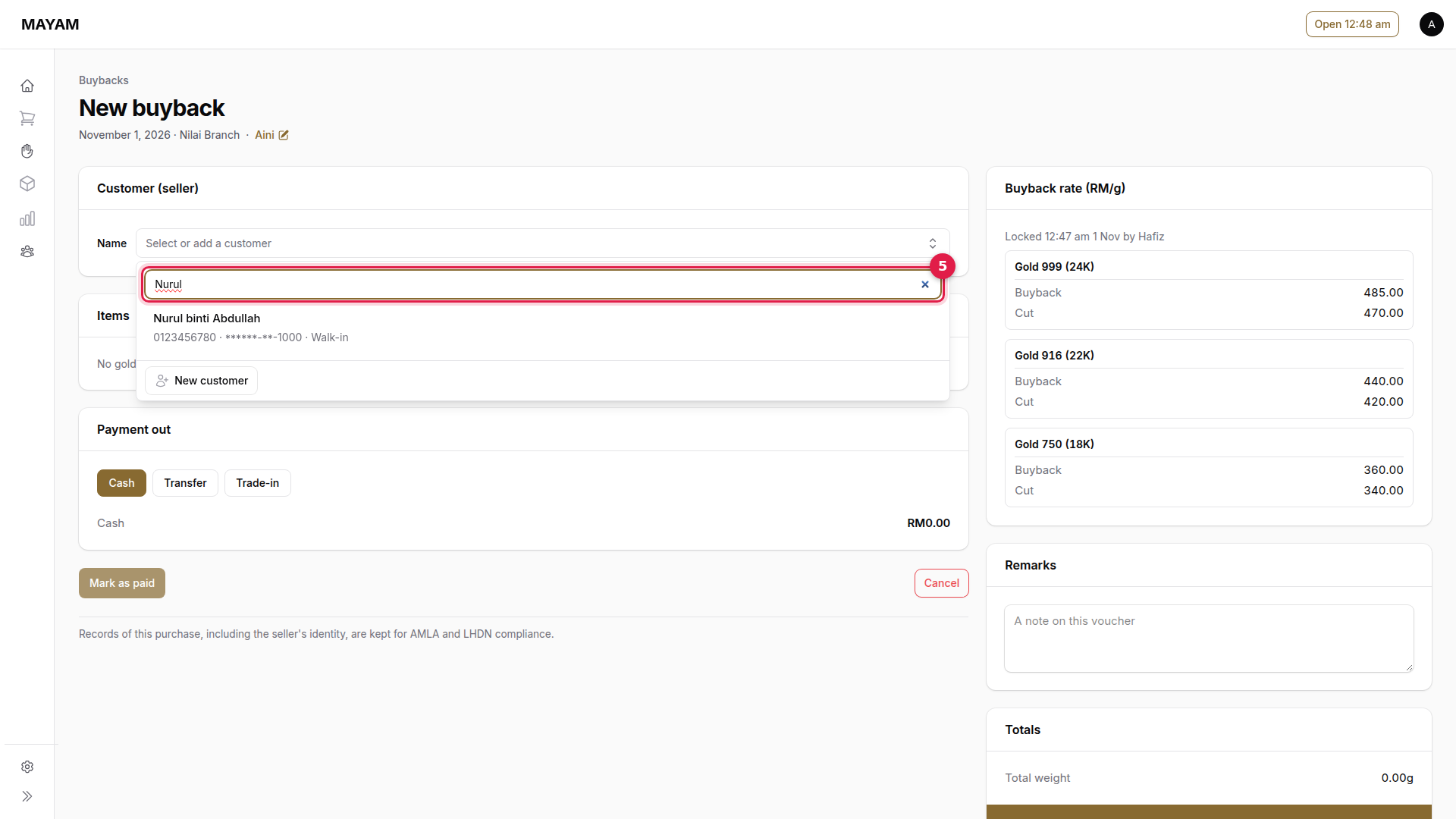
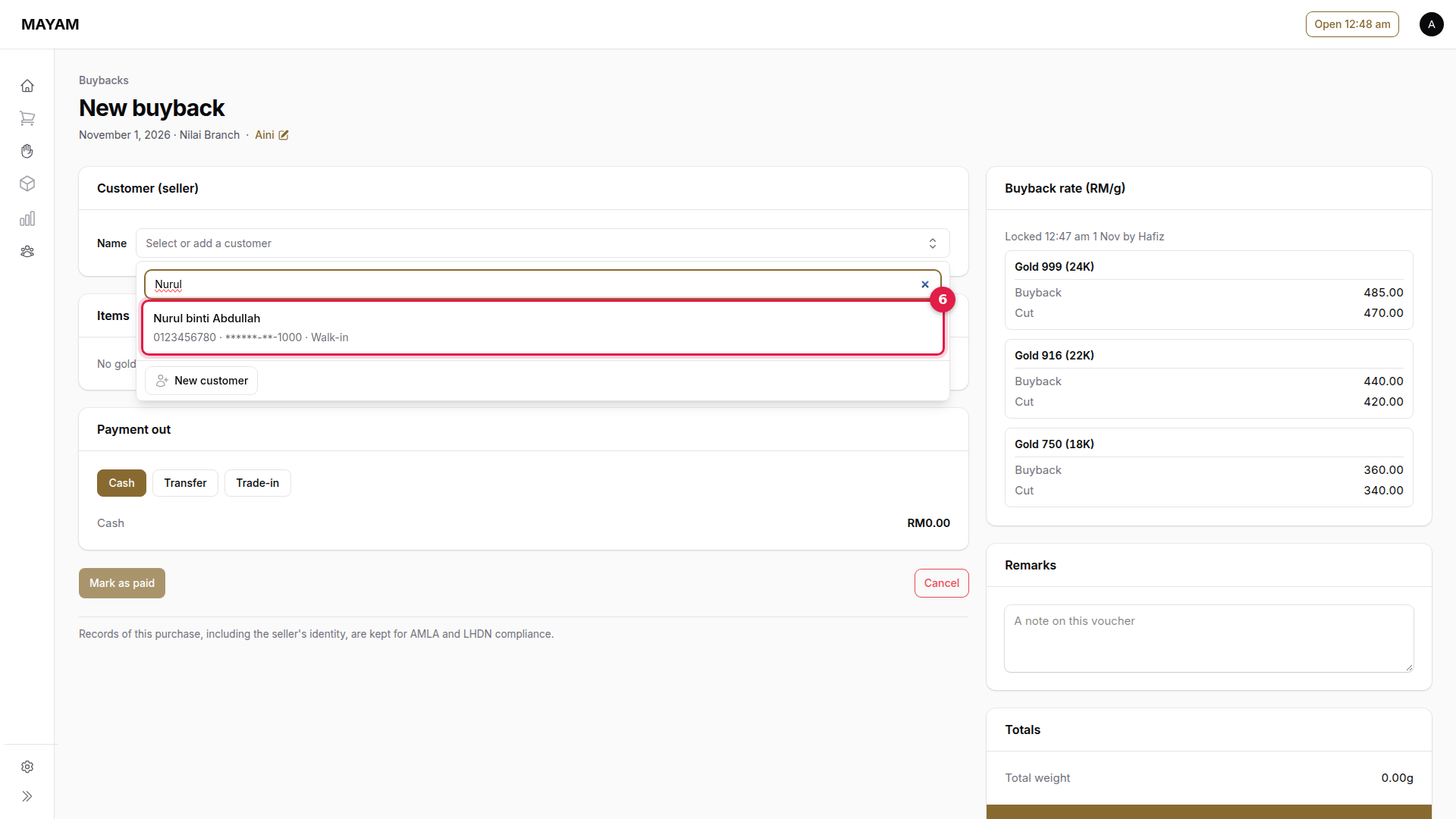
6. Pick the seller
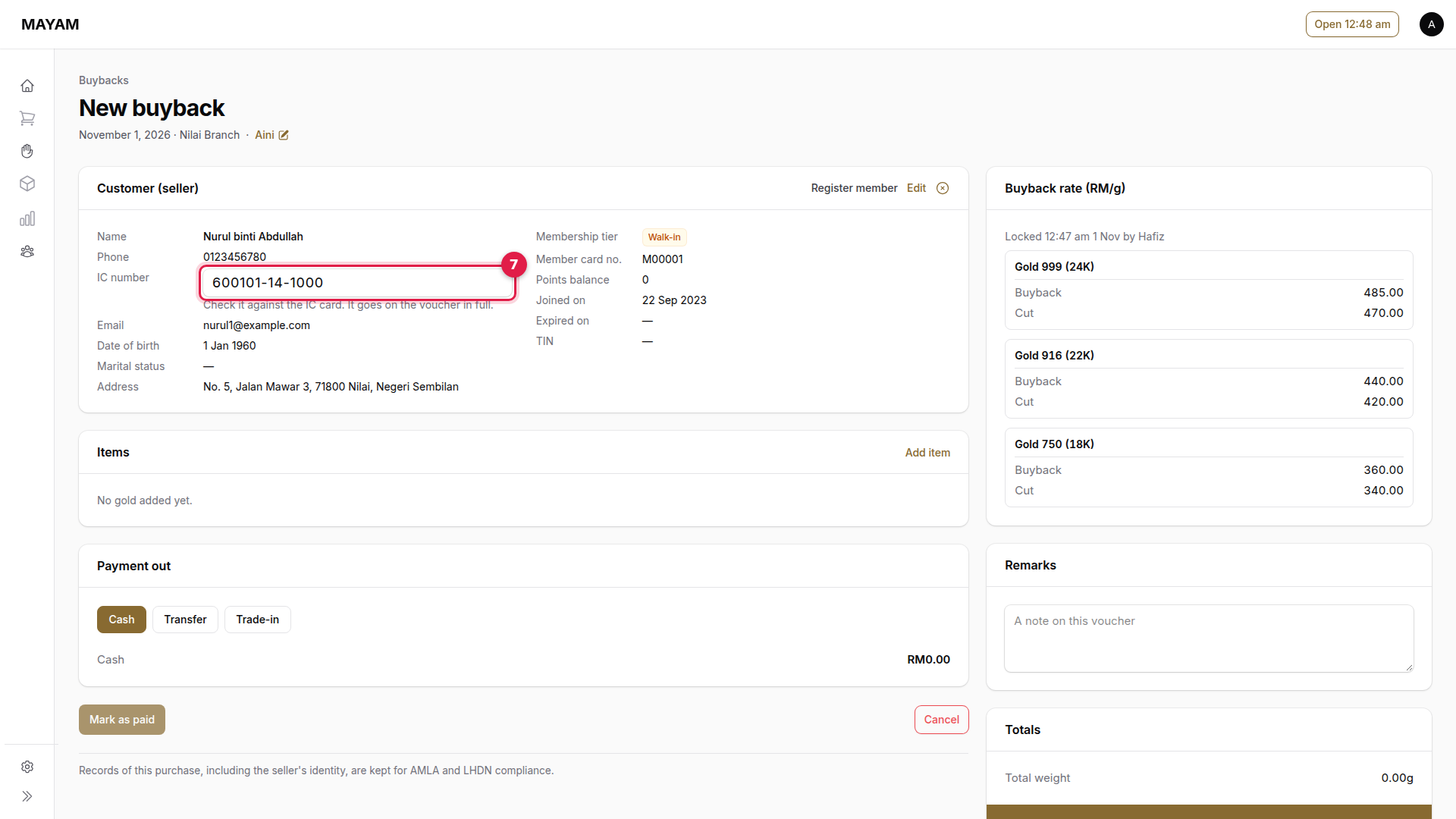
7. Check the IC number
Check it against the IC card. It is printed in full on the voucher.
8. Press Add item
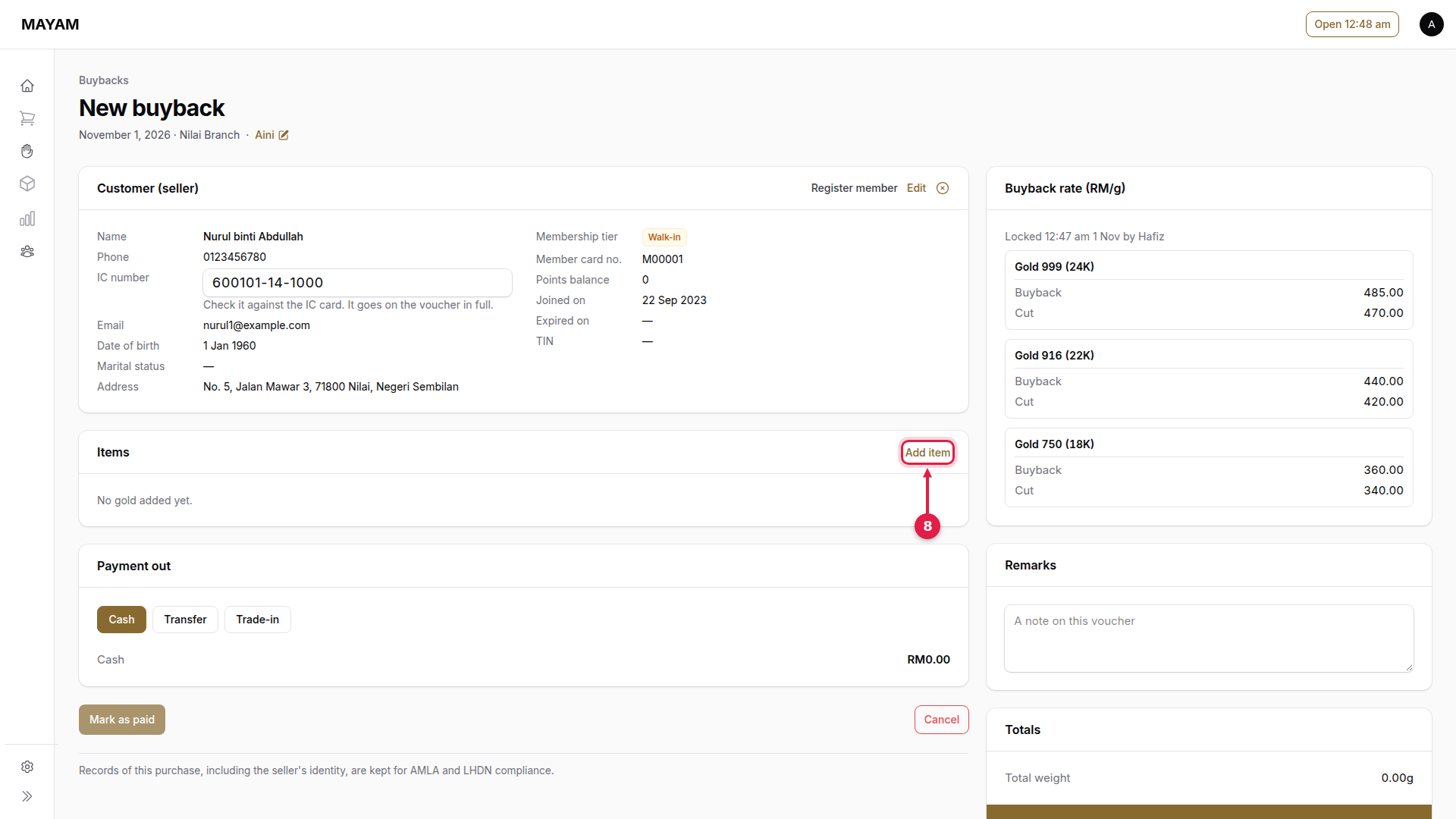
9. Choose the purity
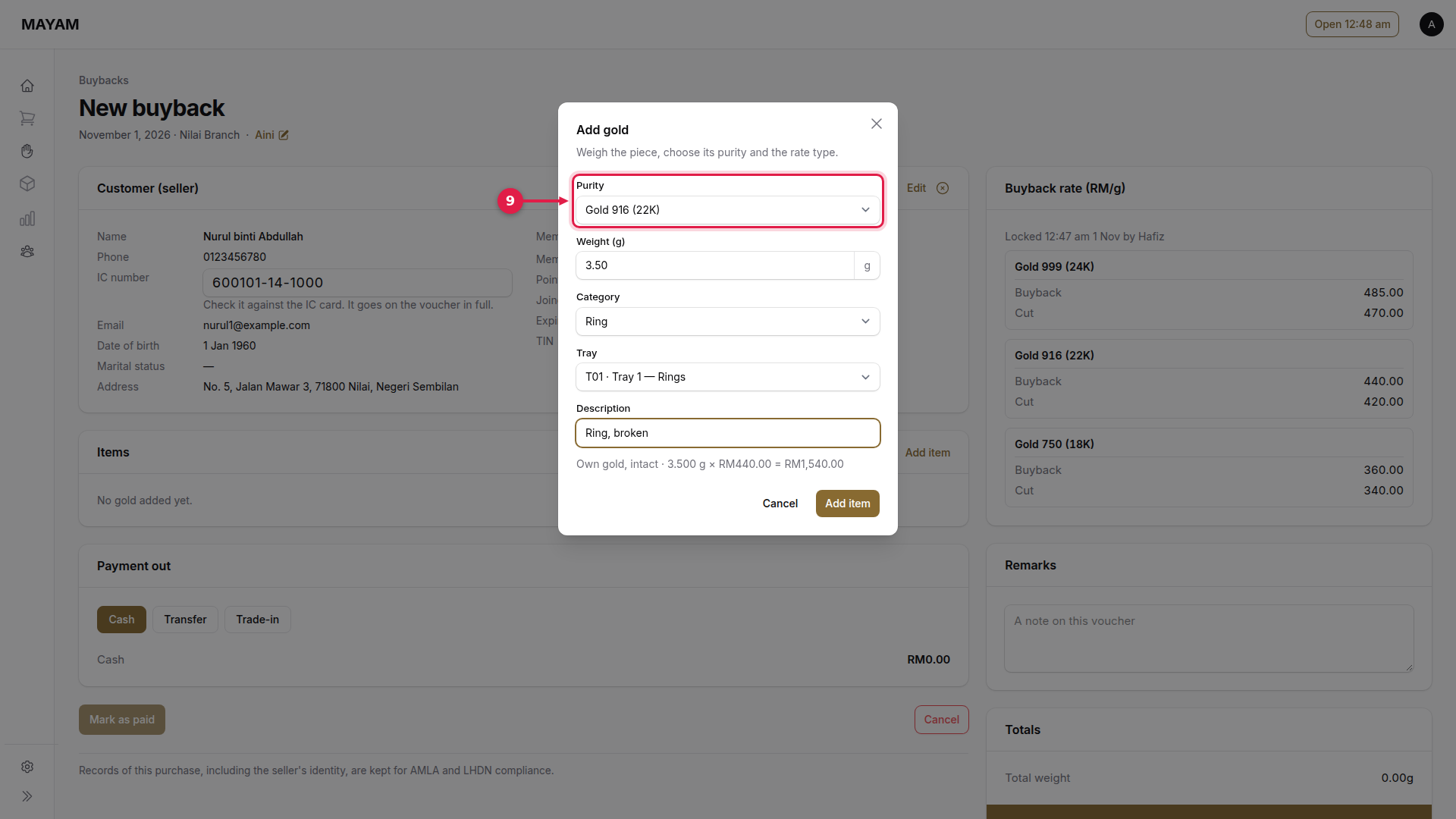
10. Key the weight
As shown on the scale. The line under the form shows weight × today's buyback rate.
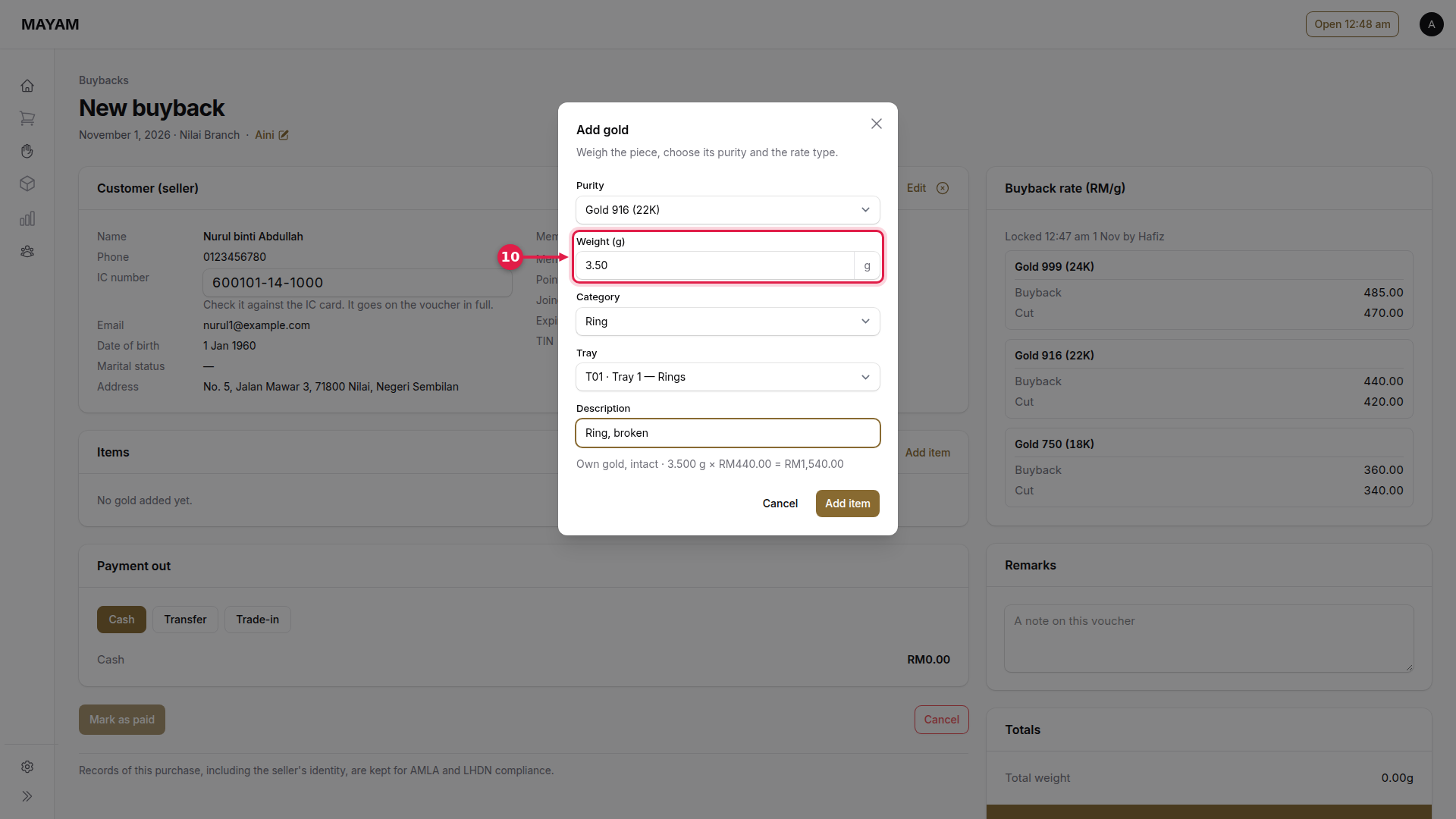
11. Choose the category
What the piece is.
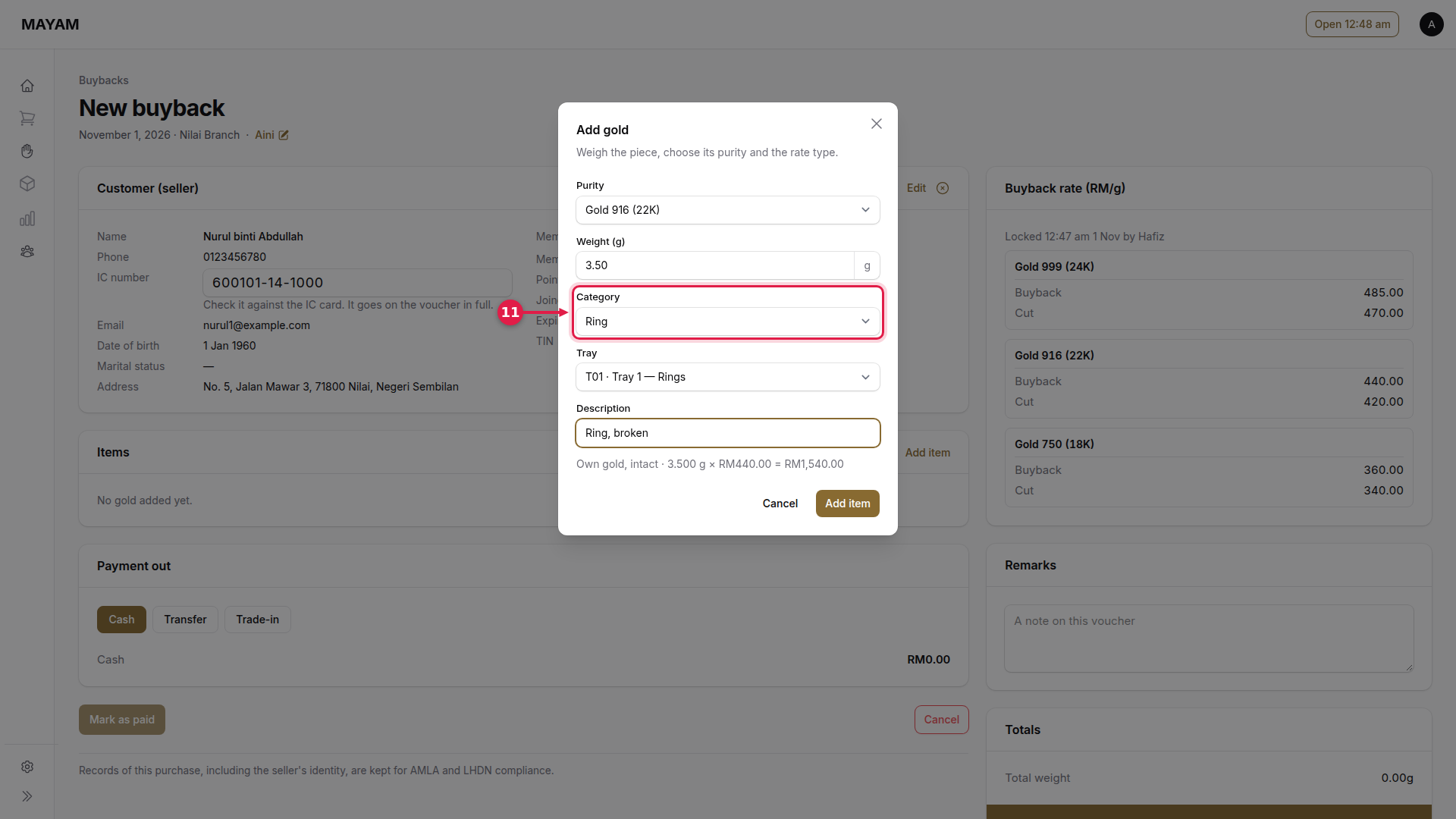
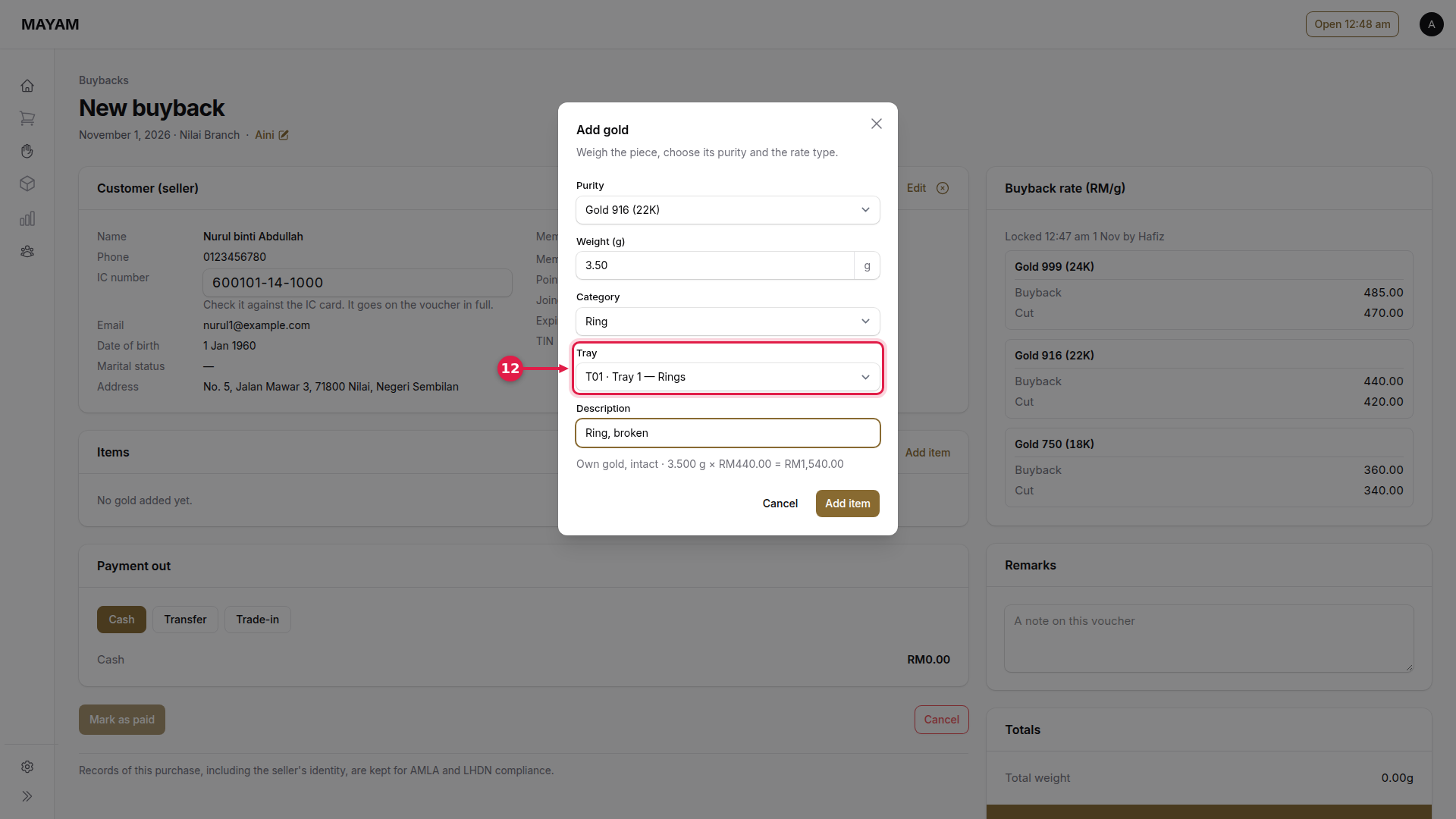
12. Choose the tray
Where the piece goes.
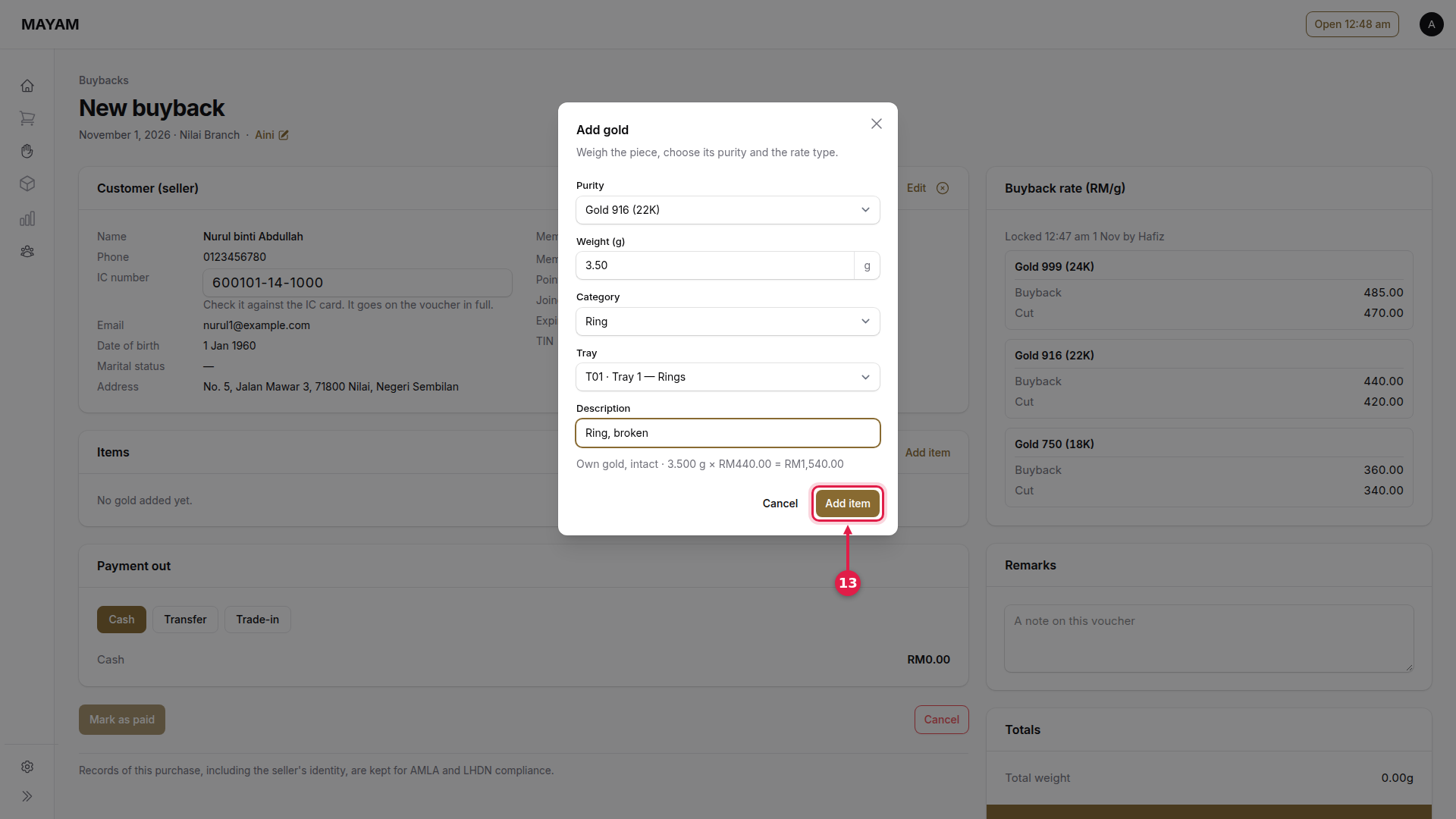
13. Press Add item
Add a short description first if it helps, for example "Ring, broken". Repeat steps 8 to 13 for each piece.
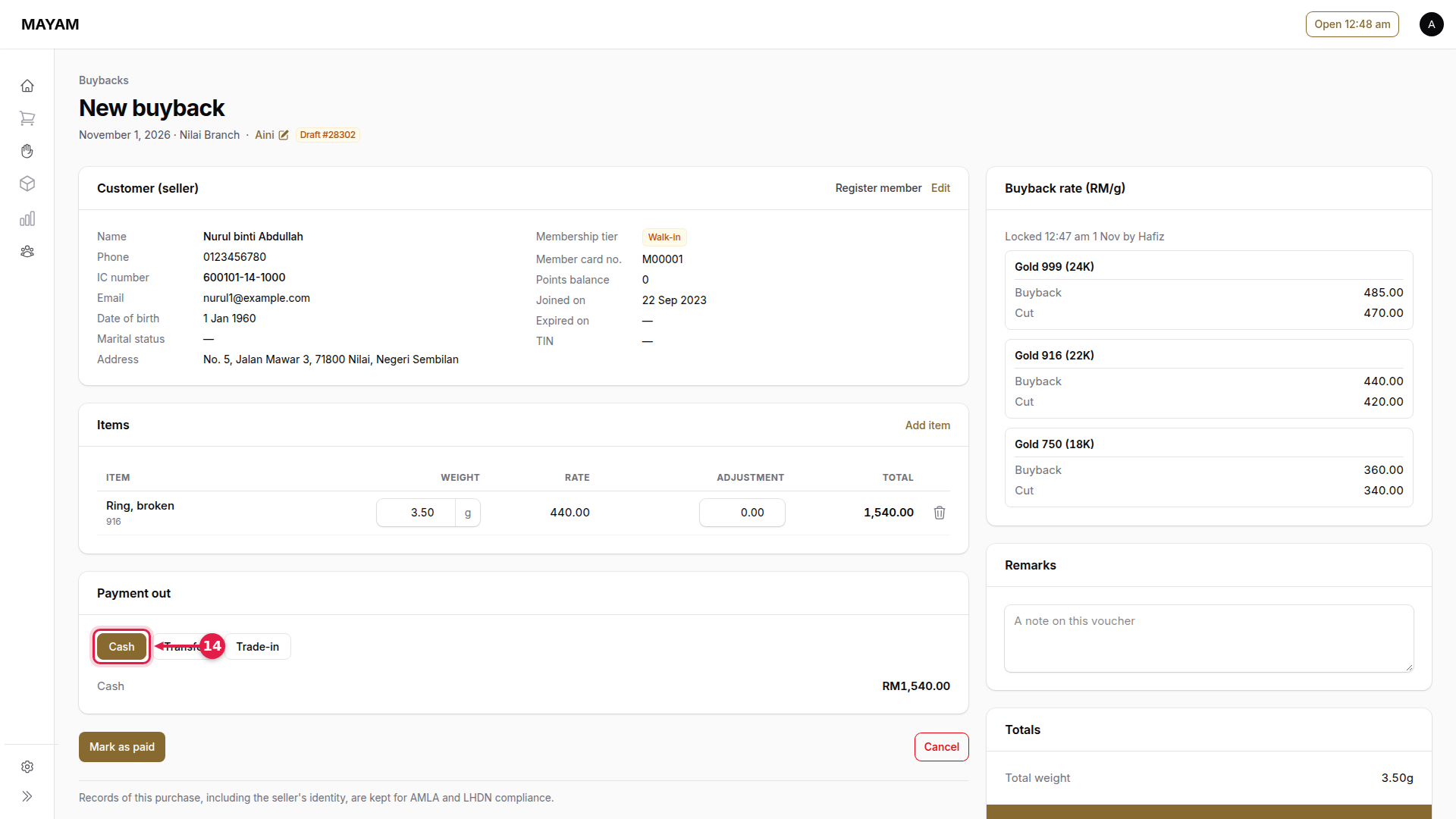
14. Choose how the customer is paid
Cash or Transfer.
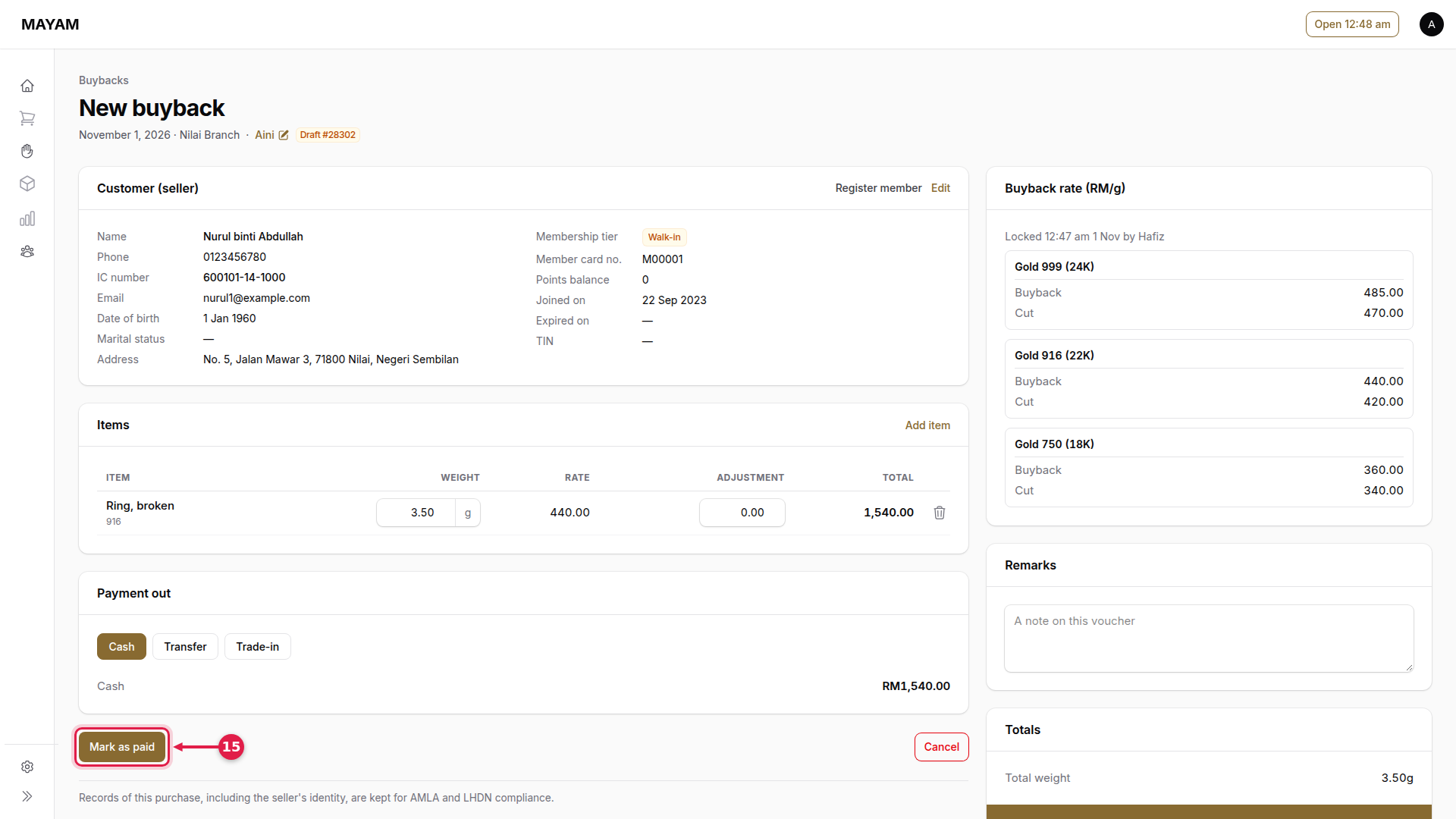
15. Press Mark as paid
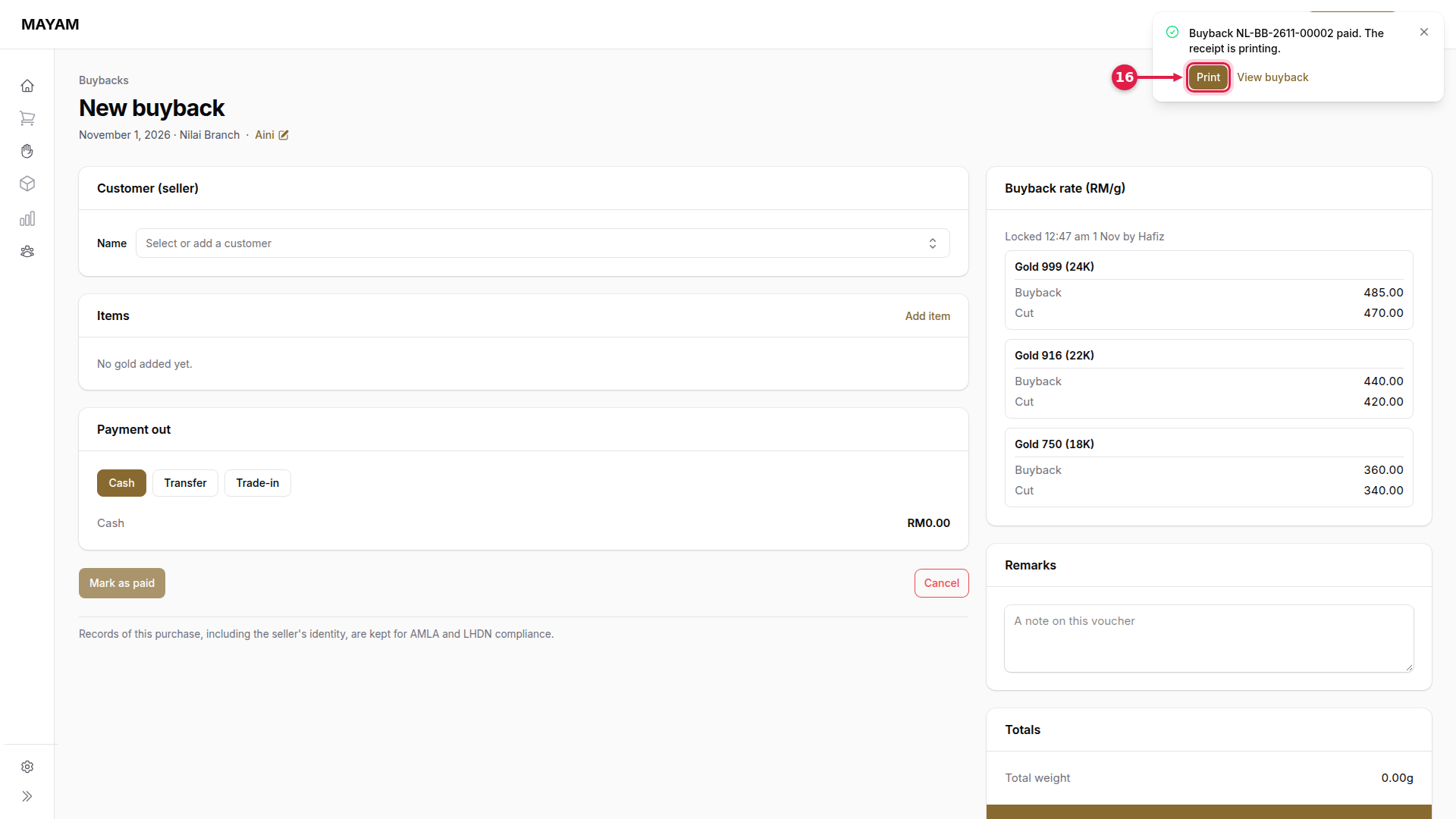
16. Press Print
Mayam confirms the voucher number. The voucher and a barcode tag for each piece print.