Add a new customer
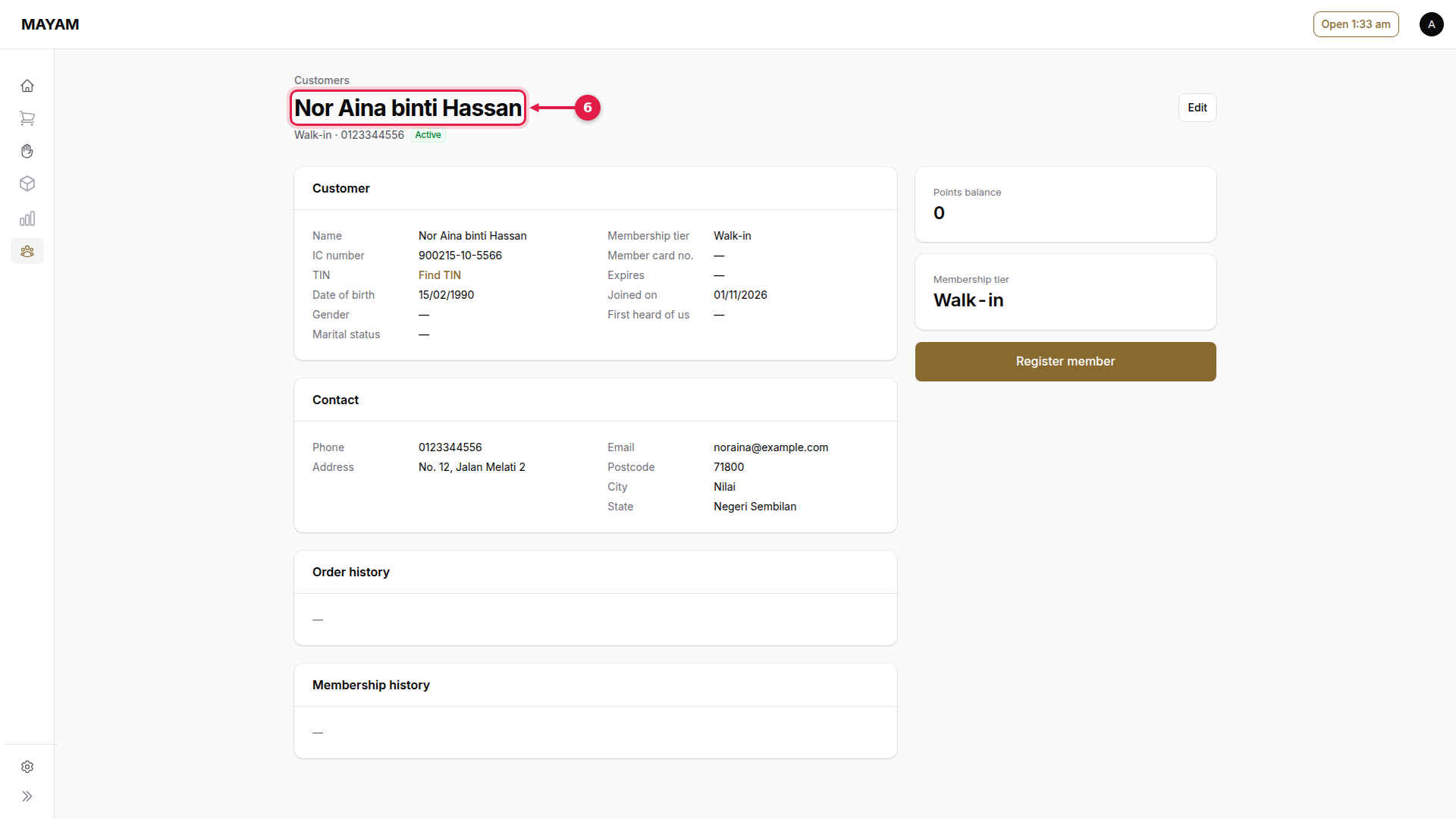
Every paid sale and buyback needs a customer. Add new ones here, or from the counter's New customer link in the customer search.
1. Press New customer
Go to Customers and press New customer.
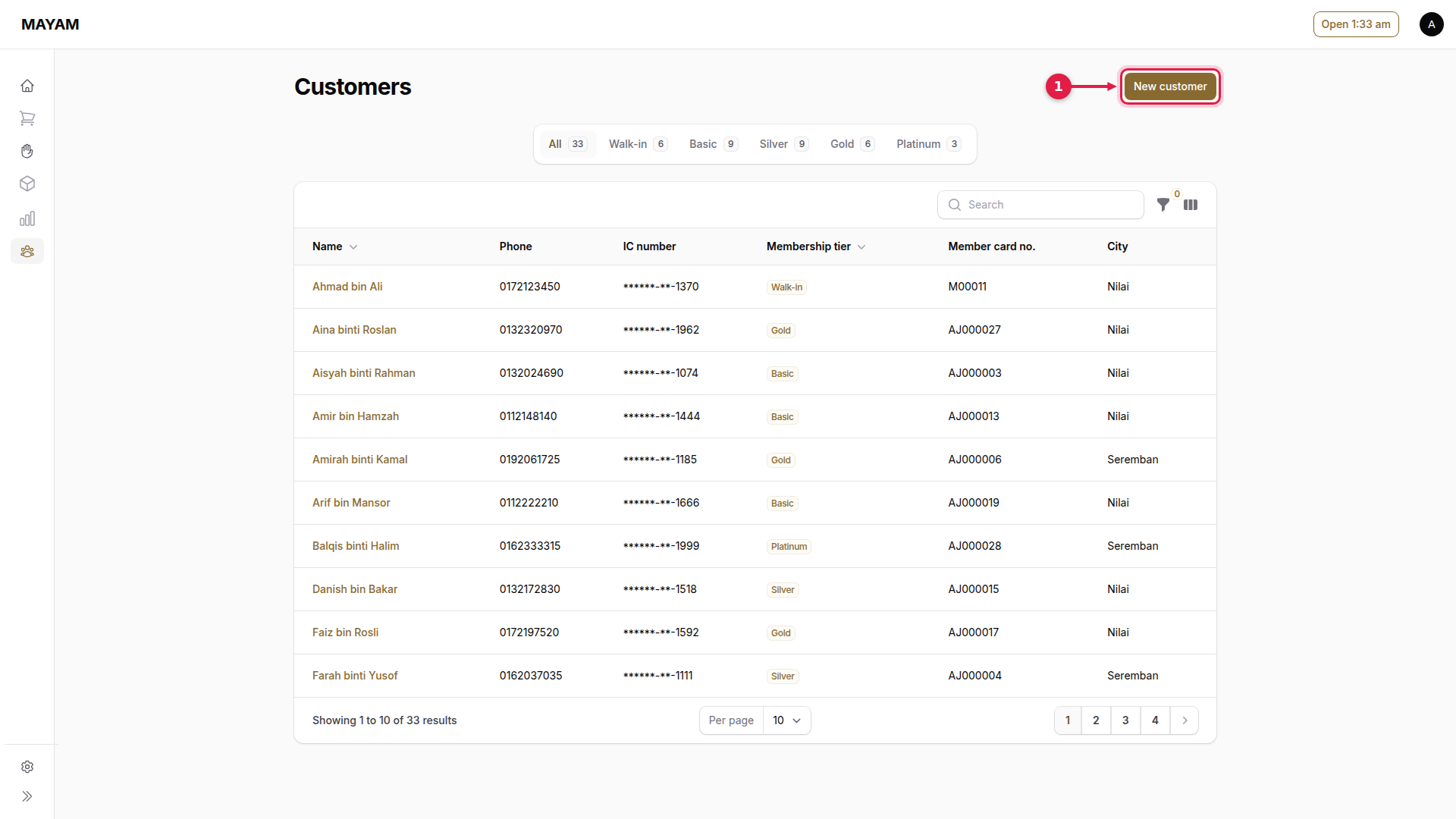
2. Fill in Identity
Name, ID type (IC or passport) and the IC number, exactly as on the card.
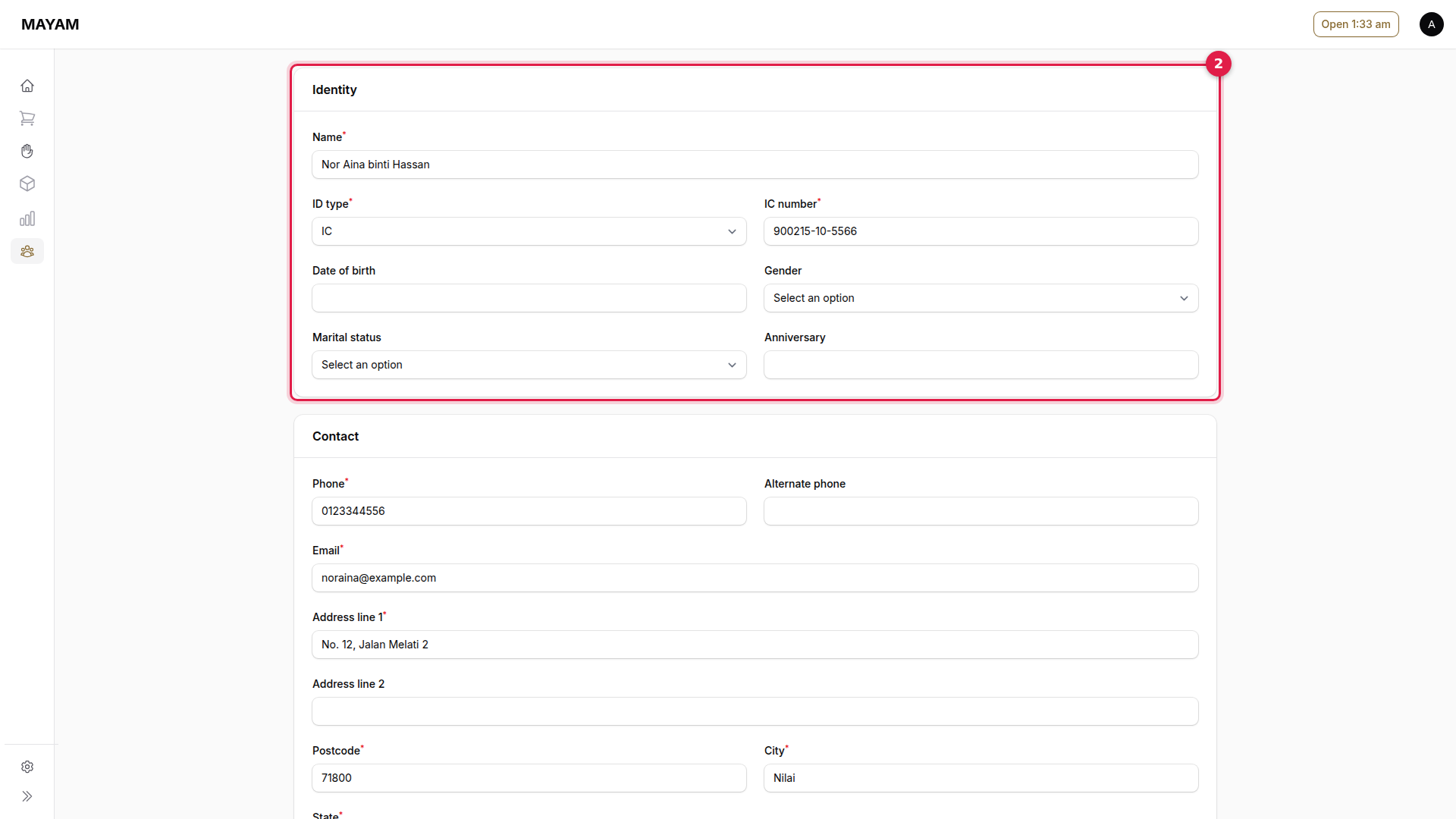
3. Fill in Contact
Phone, Email and the address.
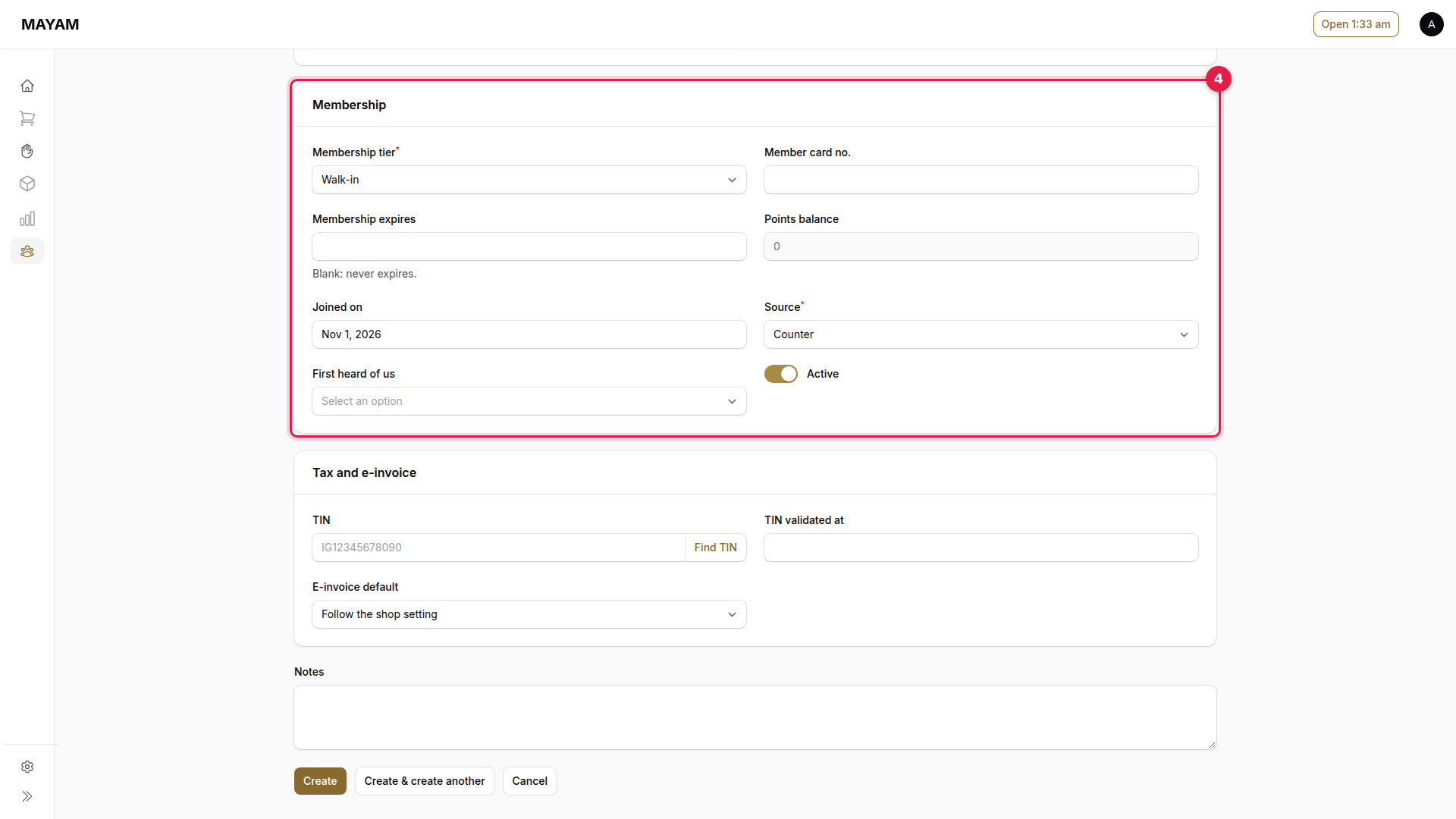
4. Fill in Membership
Membership tier (Walk-in unless they join) and Source (Counter).
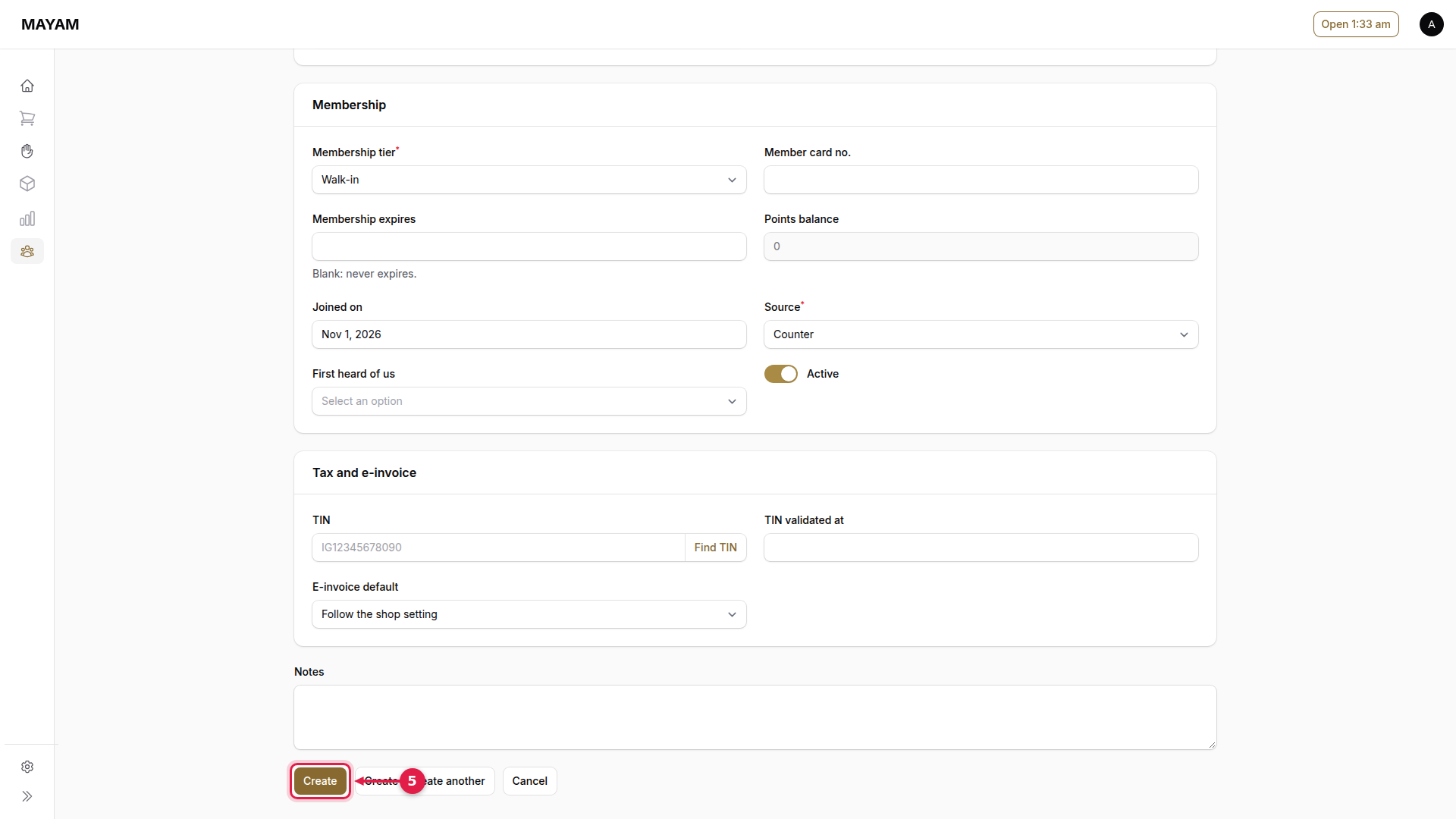
5. Press Create
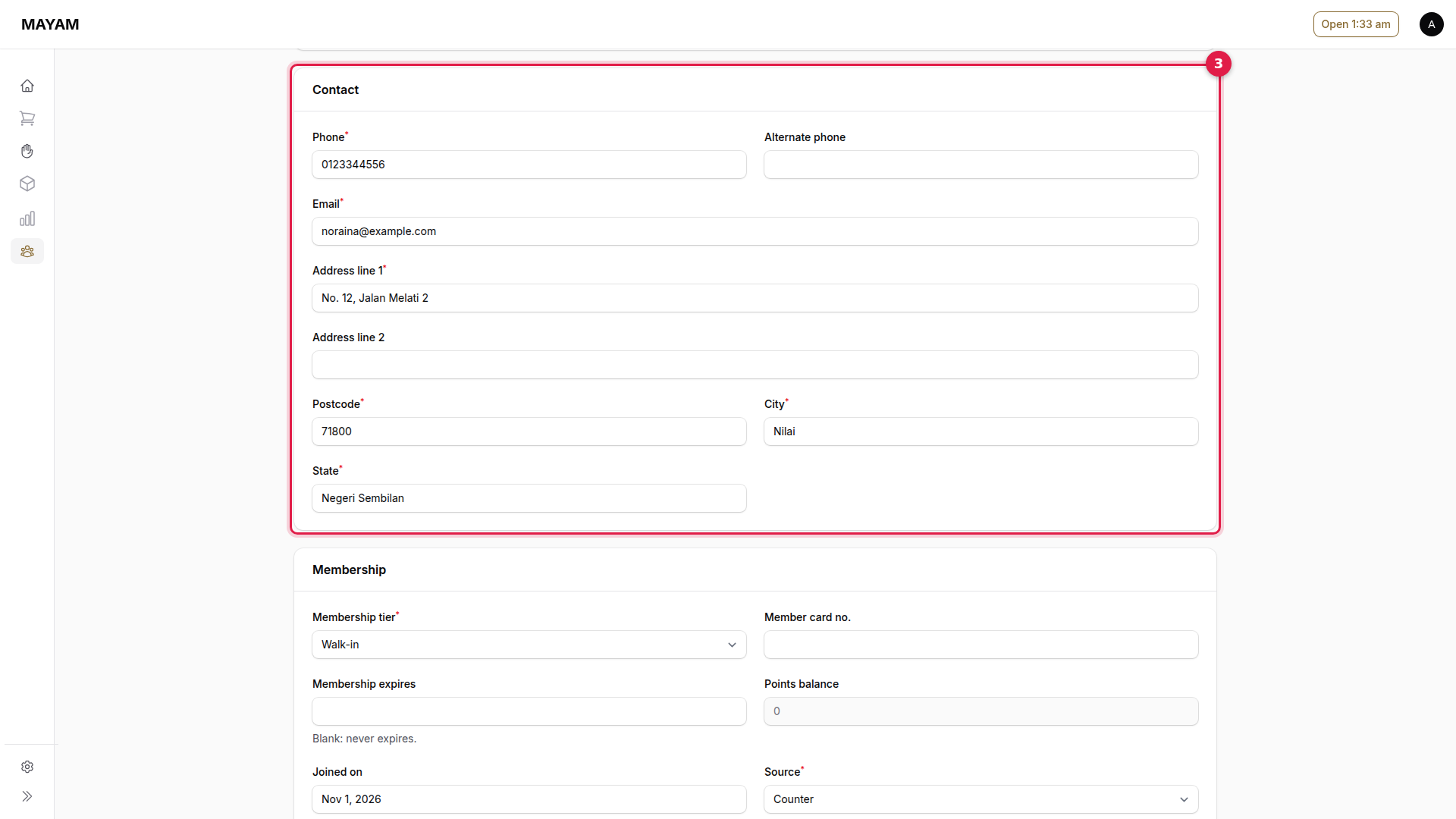
6. Check the customer is saved
Their page opens. Find TIN fills in their tax number from LHDN when they want an e-invoice.