Count a tray
Count the pieces in one or more trays and let Mayam check them against what should be there.
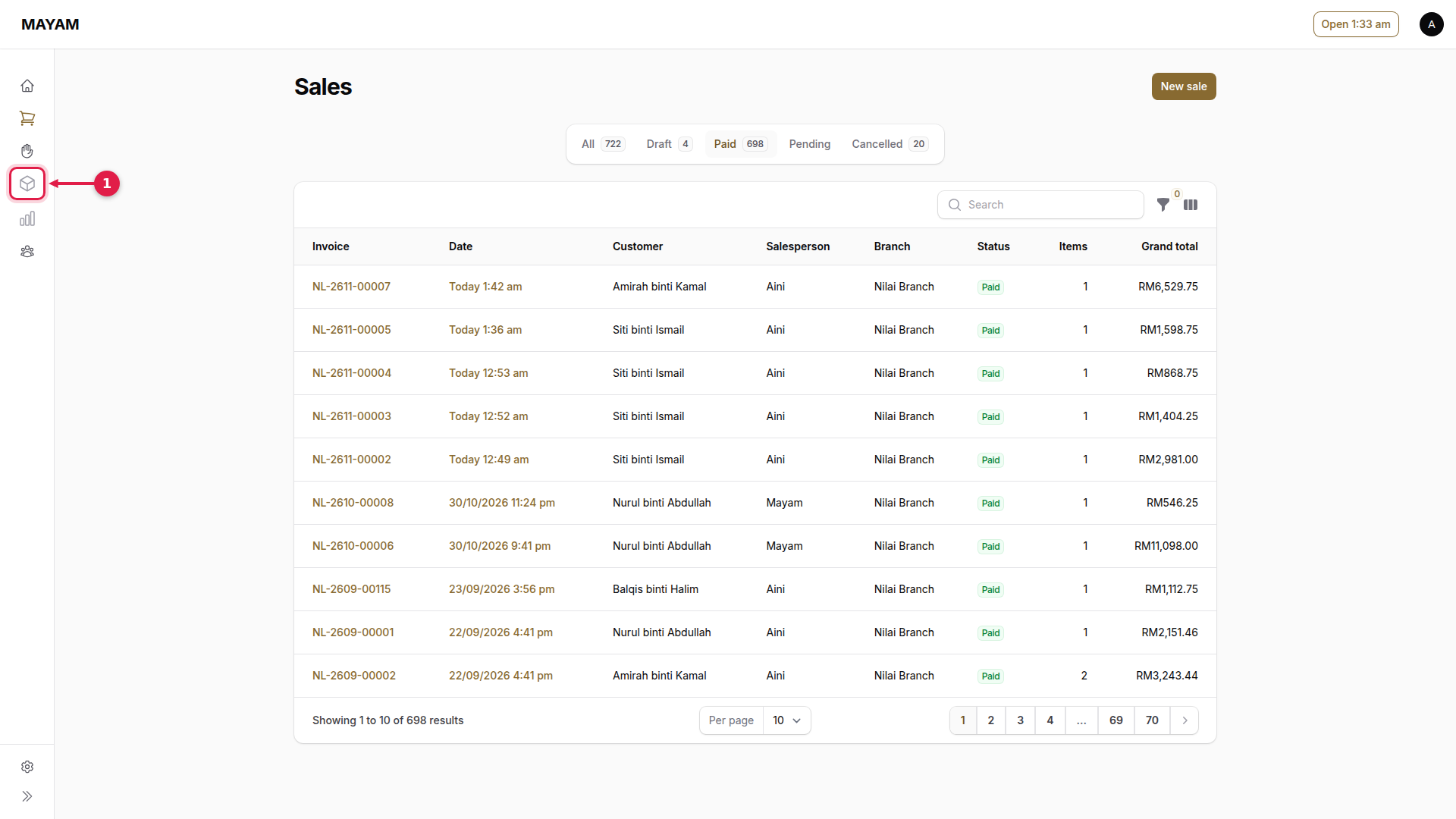
1. Press Inventory
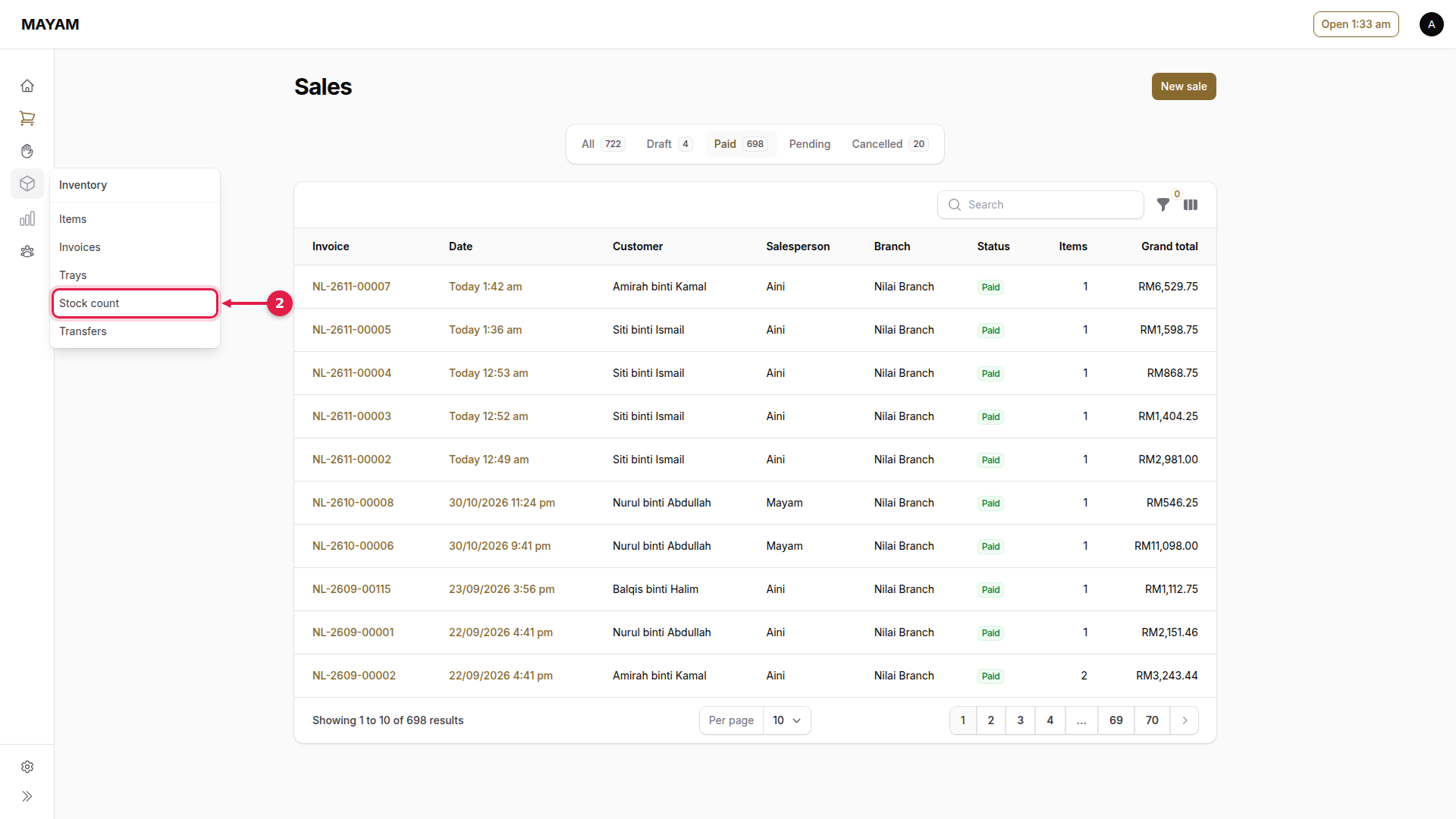
2. Press Stock count
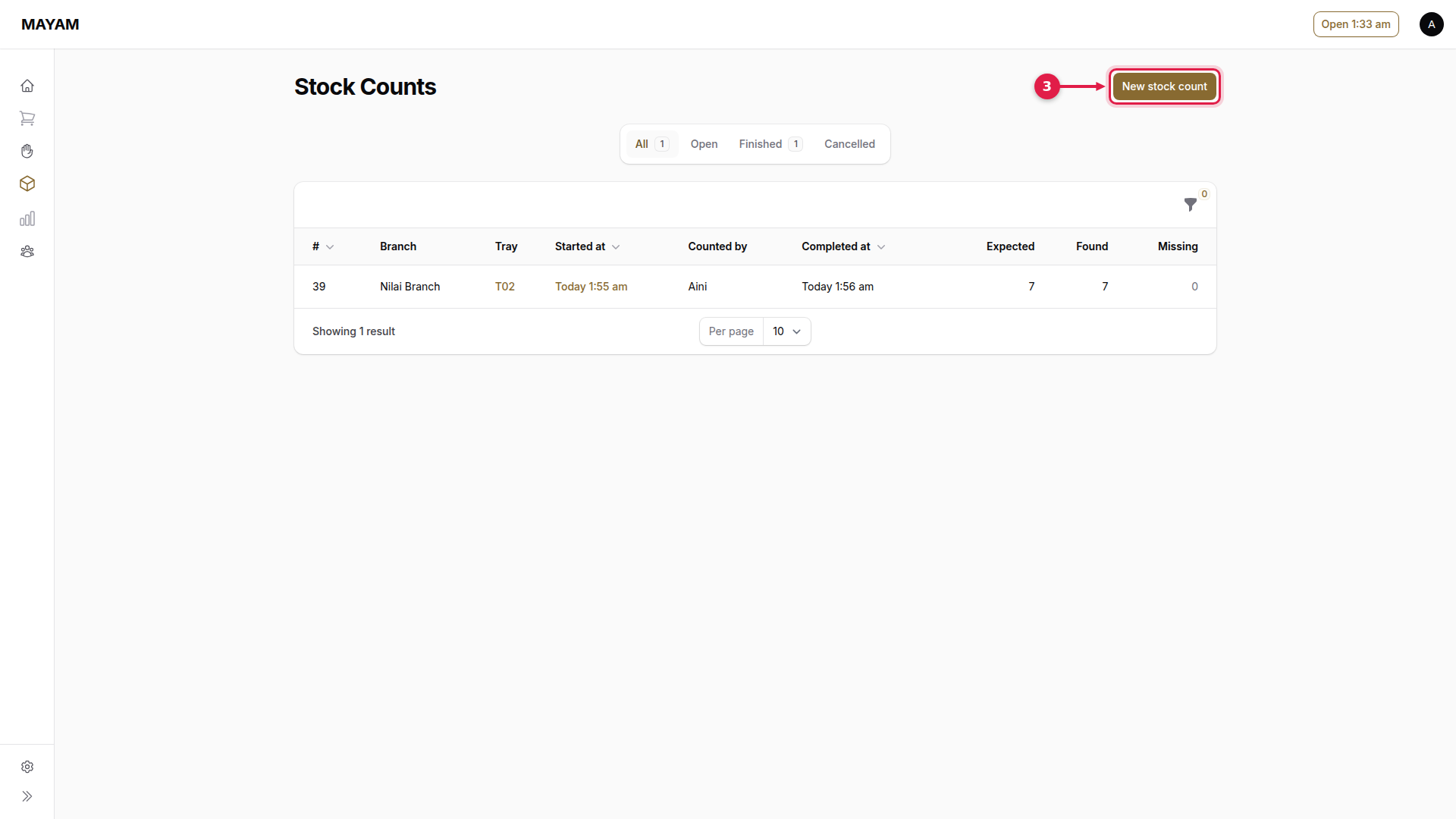
3. Press New stock count
4. Choose who is counting
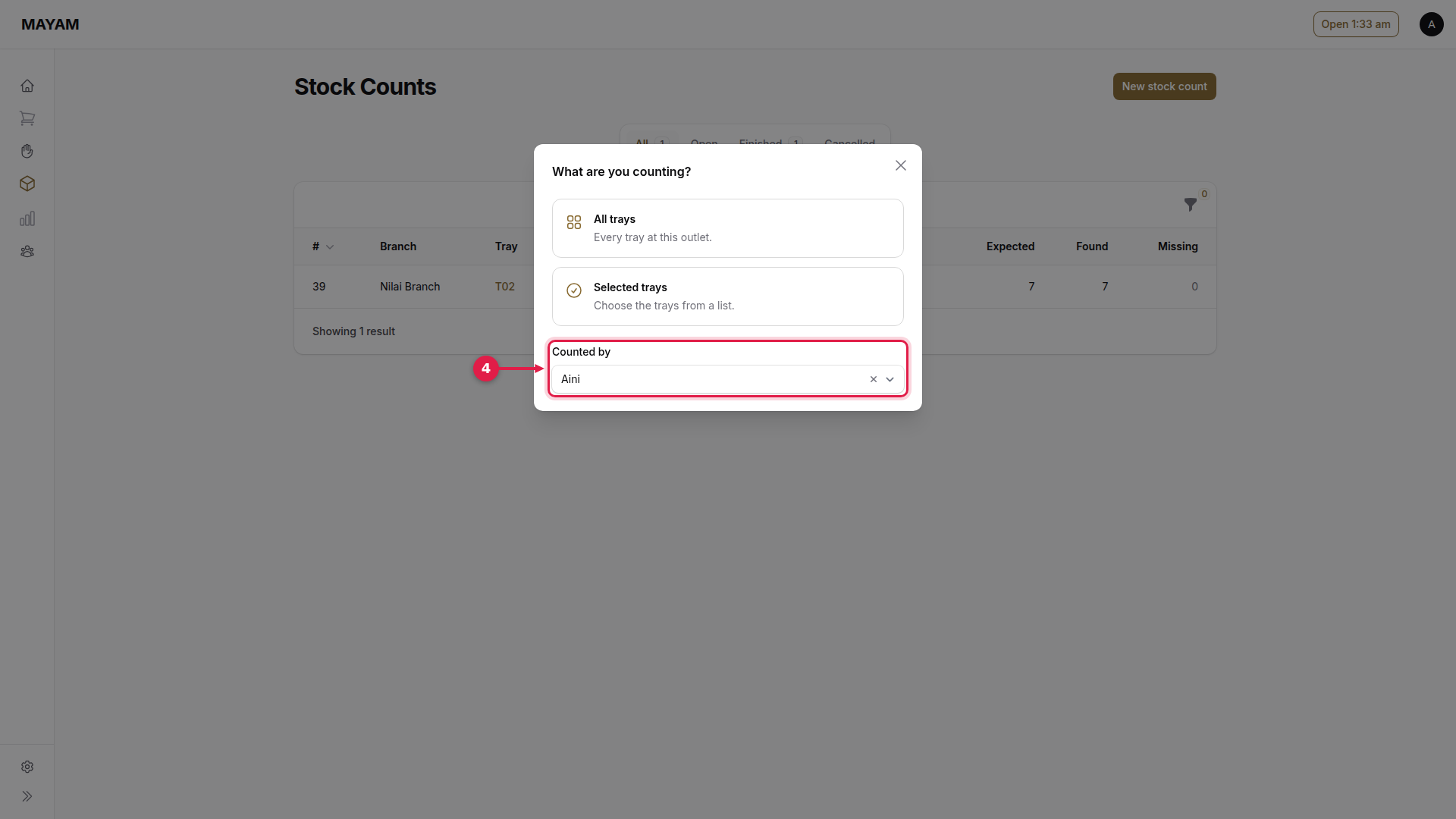
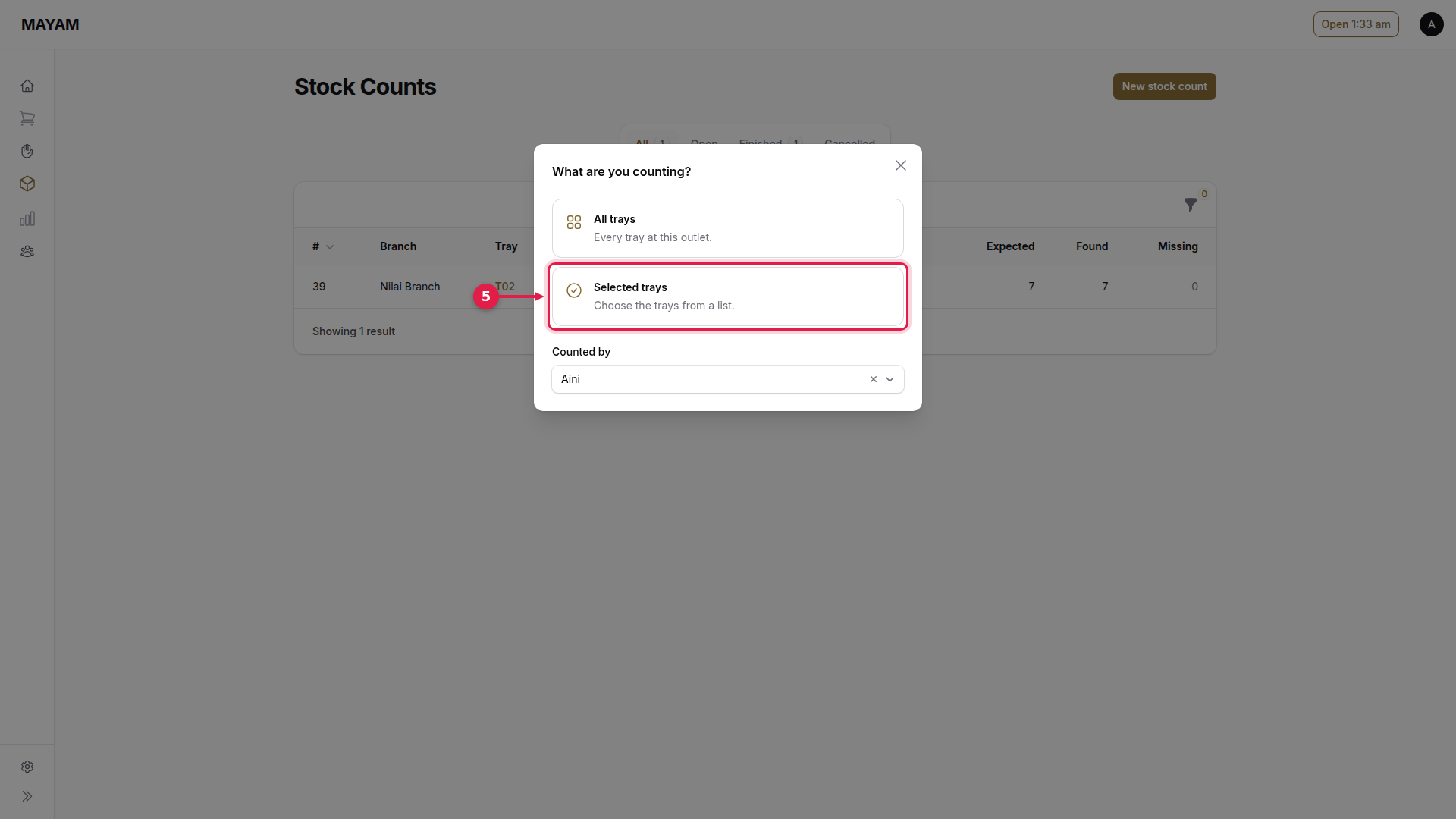
5. Press Selected trays
Or All trays to count the whole outlet.
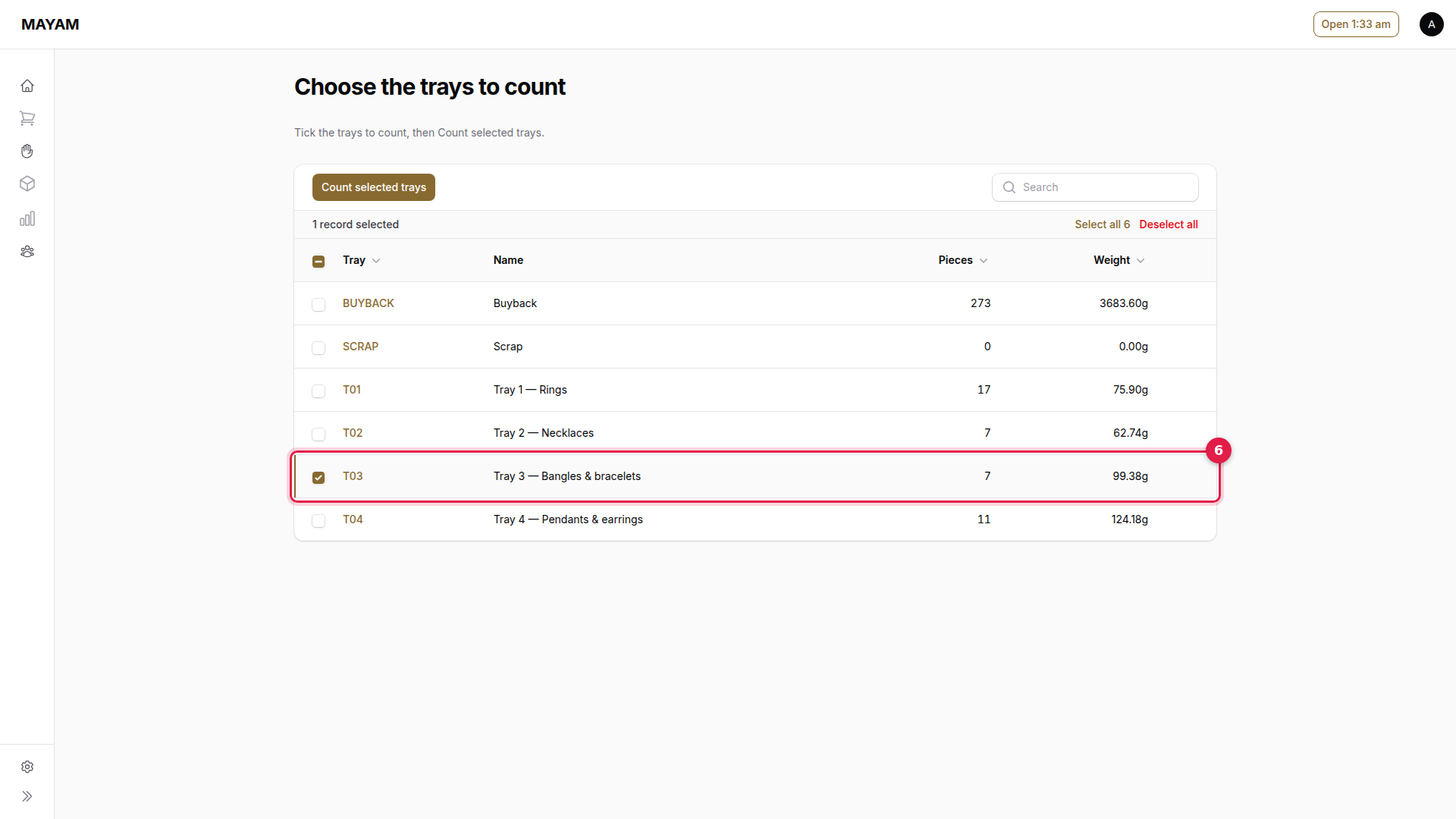
6. Tick the trays to count
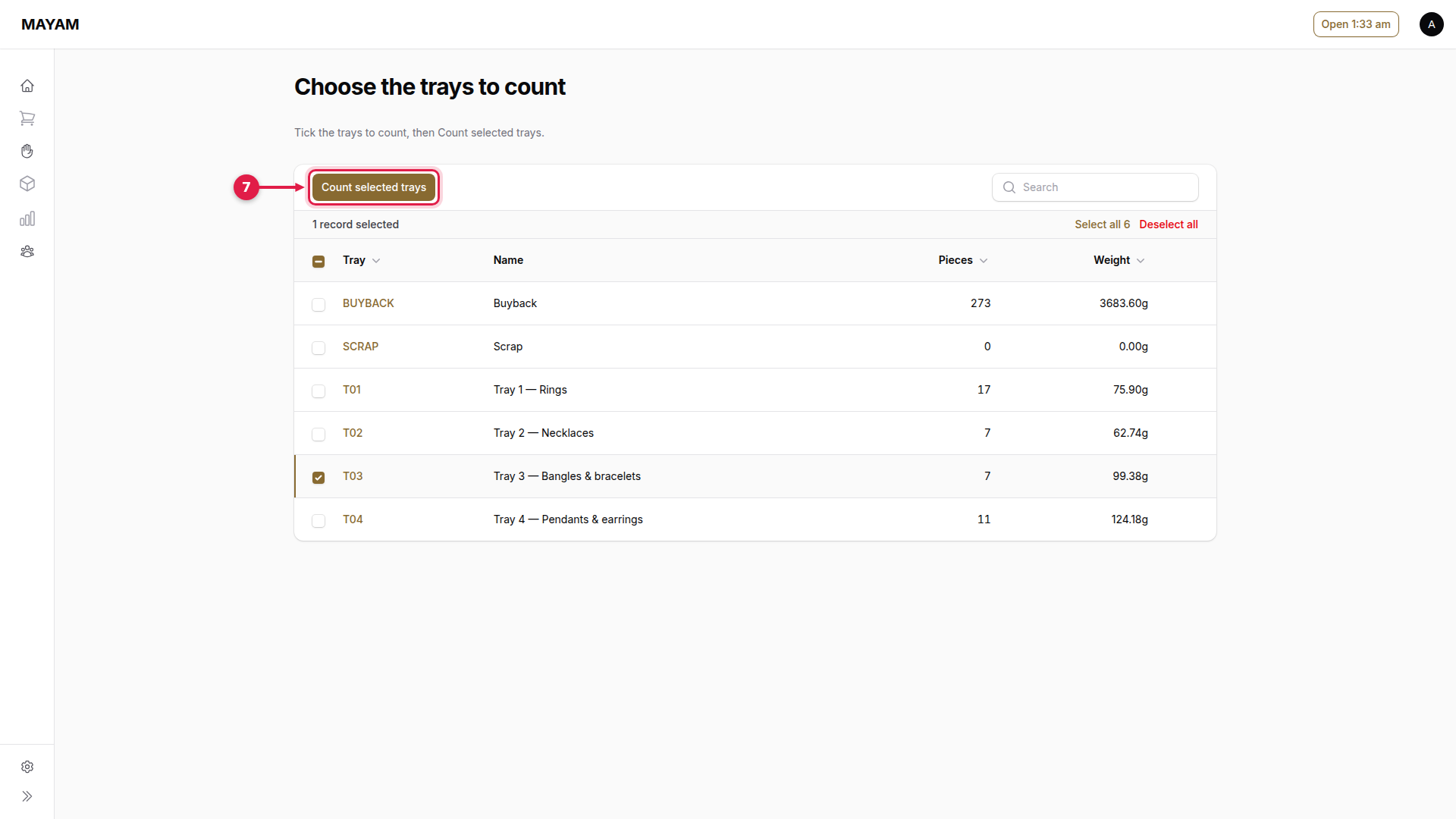
7. Press Count selected trays
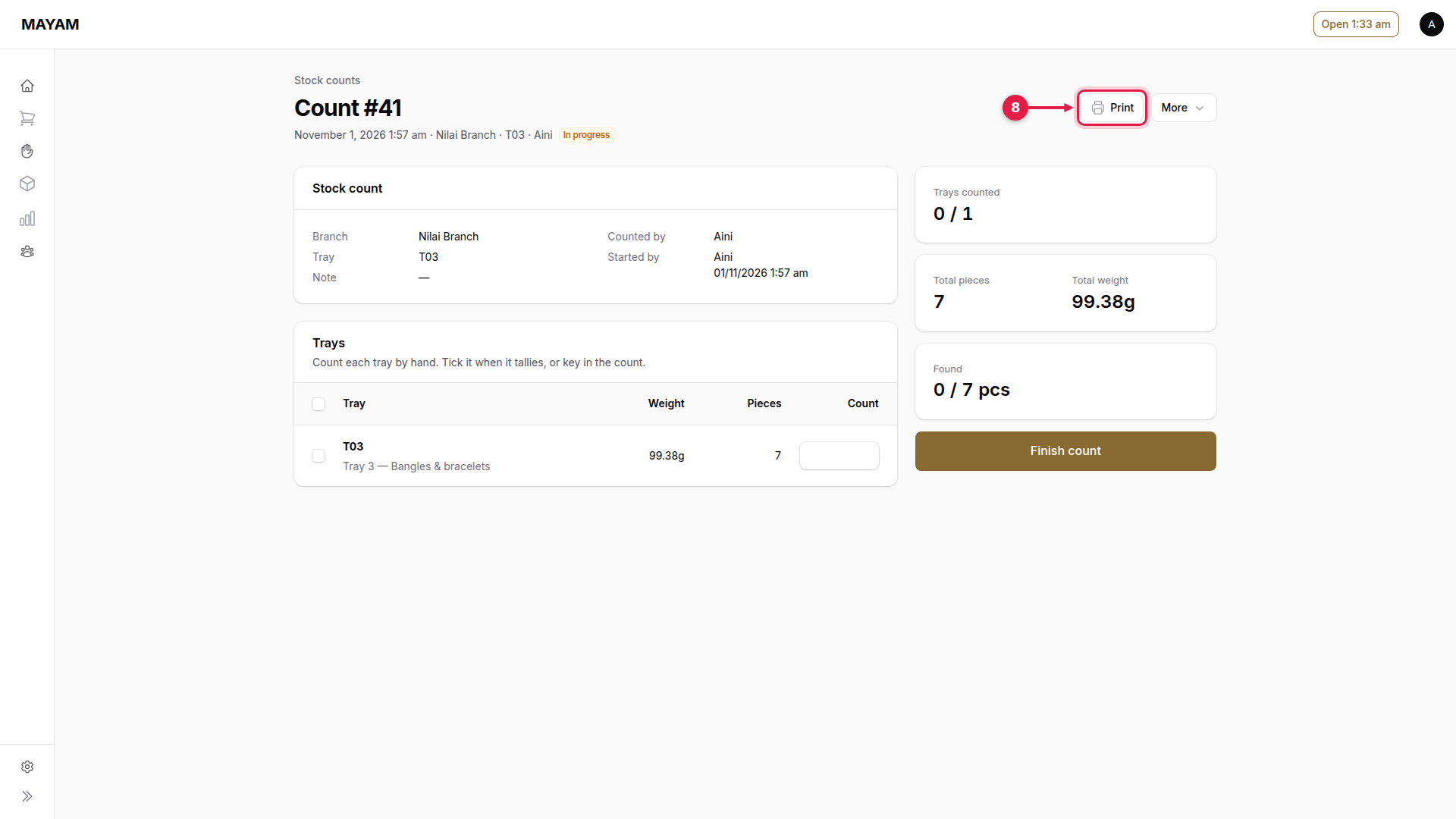
8. Press Print
Prints the count sheet to tick by hand.
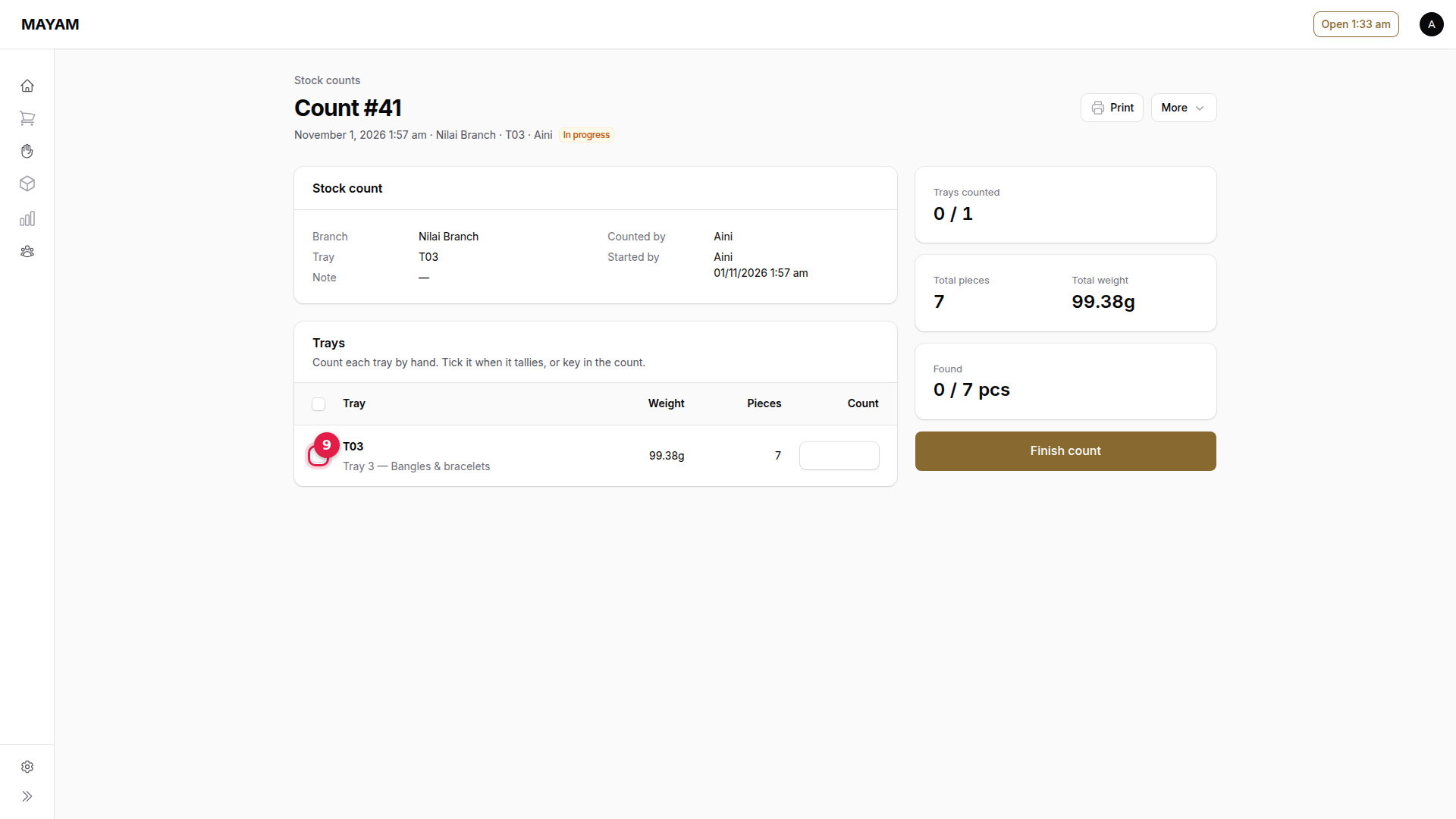
9. Tick the tray when it tallies
Or key in the number of pieces counted if it does not.
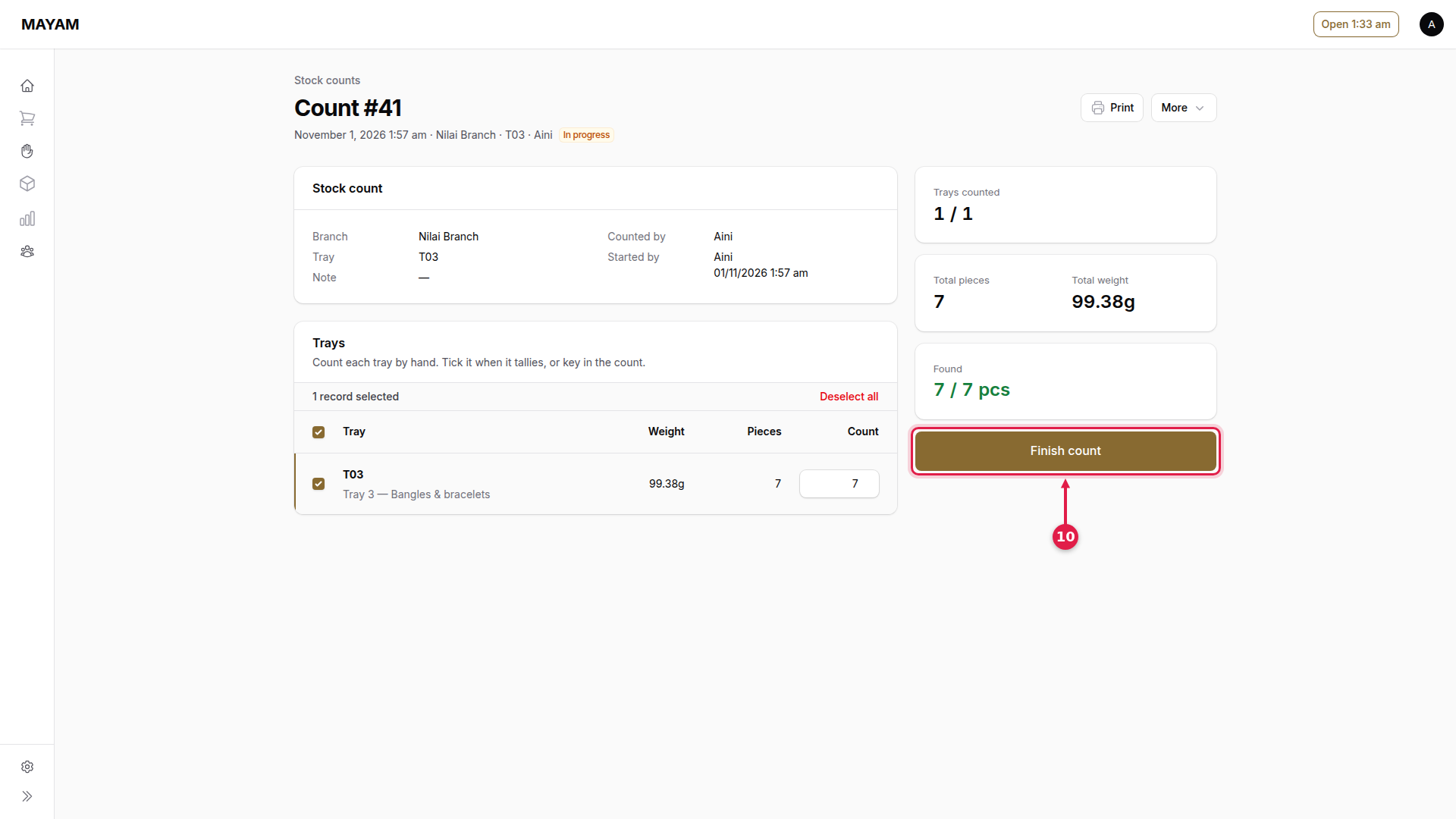
10. Press Finish count
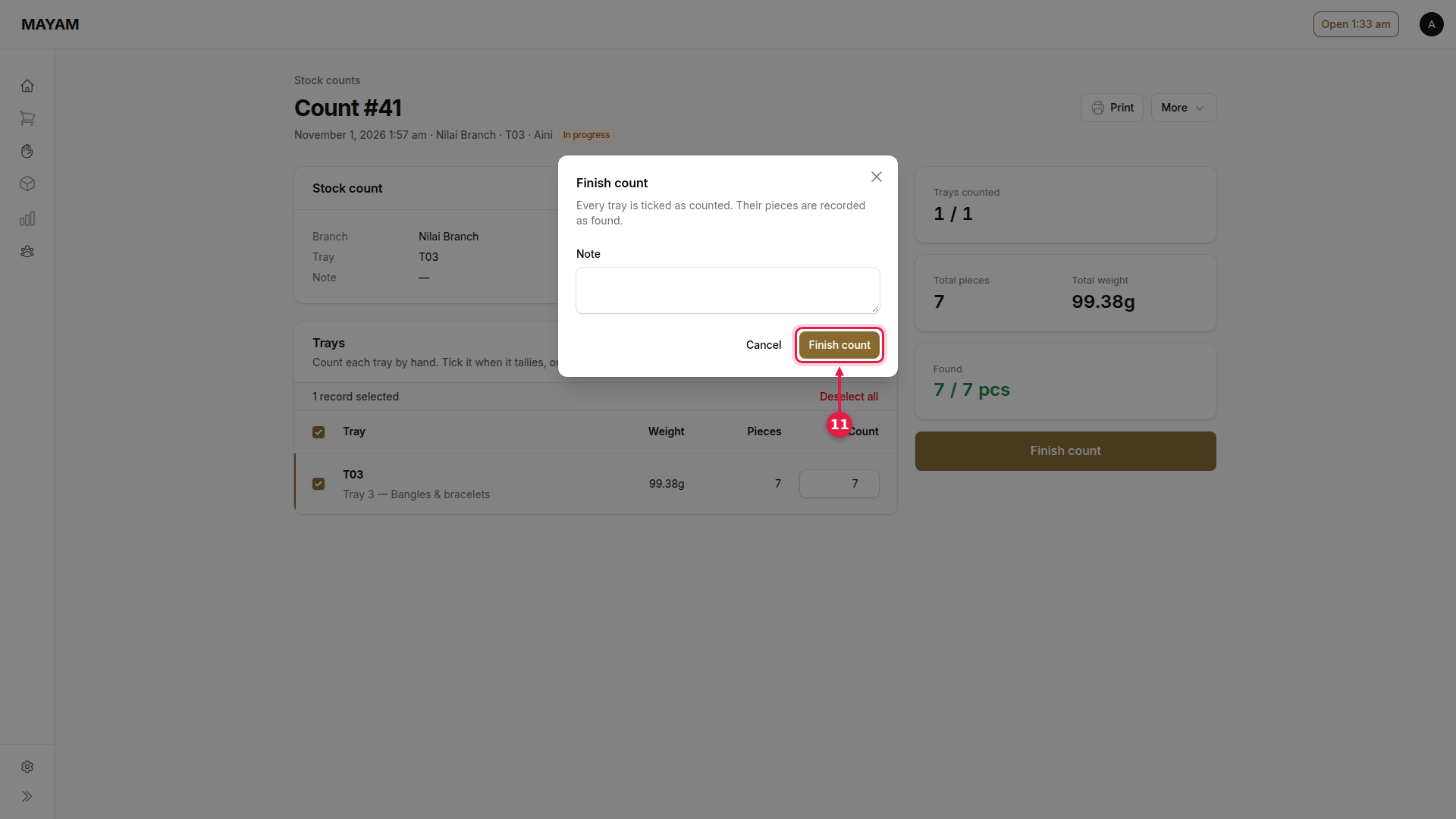
11. Press Finish count
Pieces not found are flagged Missing for a manager to check.
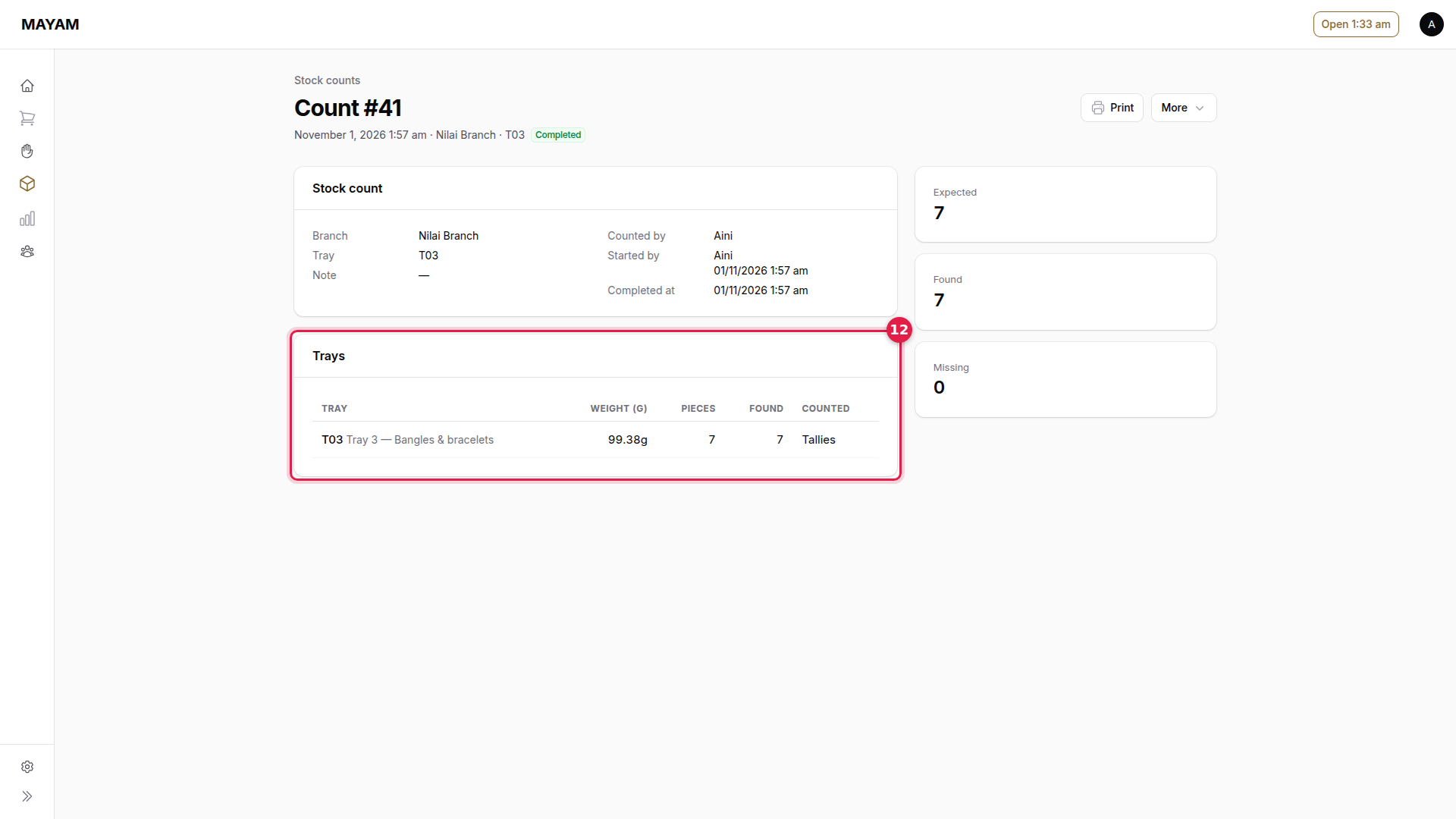
12. Check the result
Found against expected for each tray.