Close the shift
At the end of the day, count the drawer and close the shift.
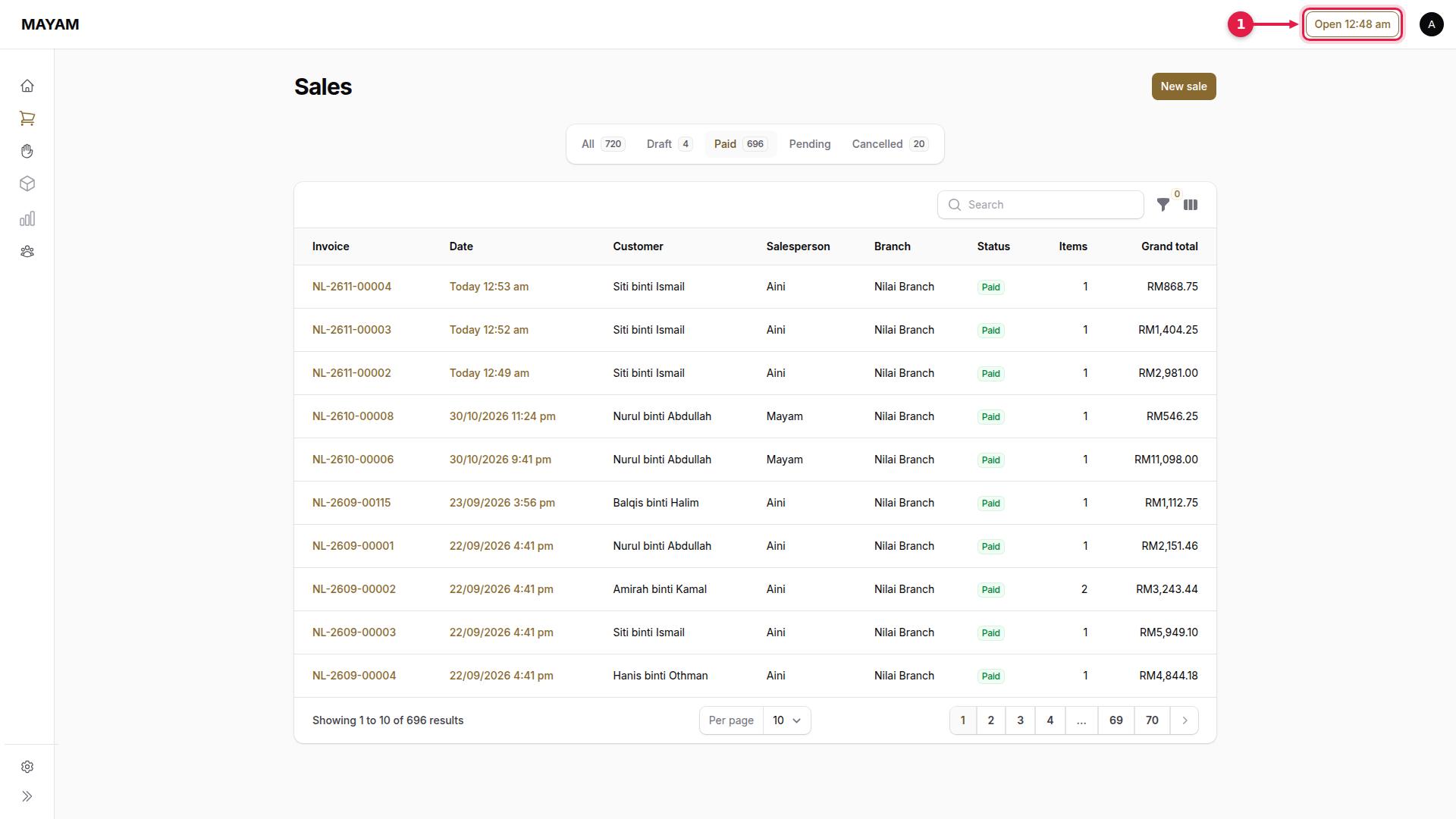
1. Press the shift time in the top bar
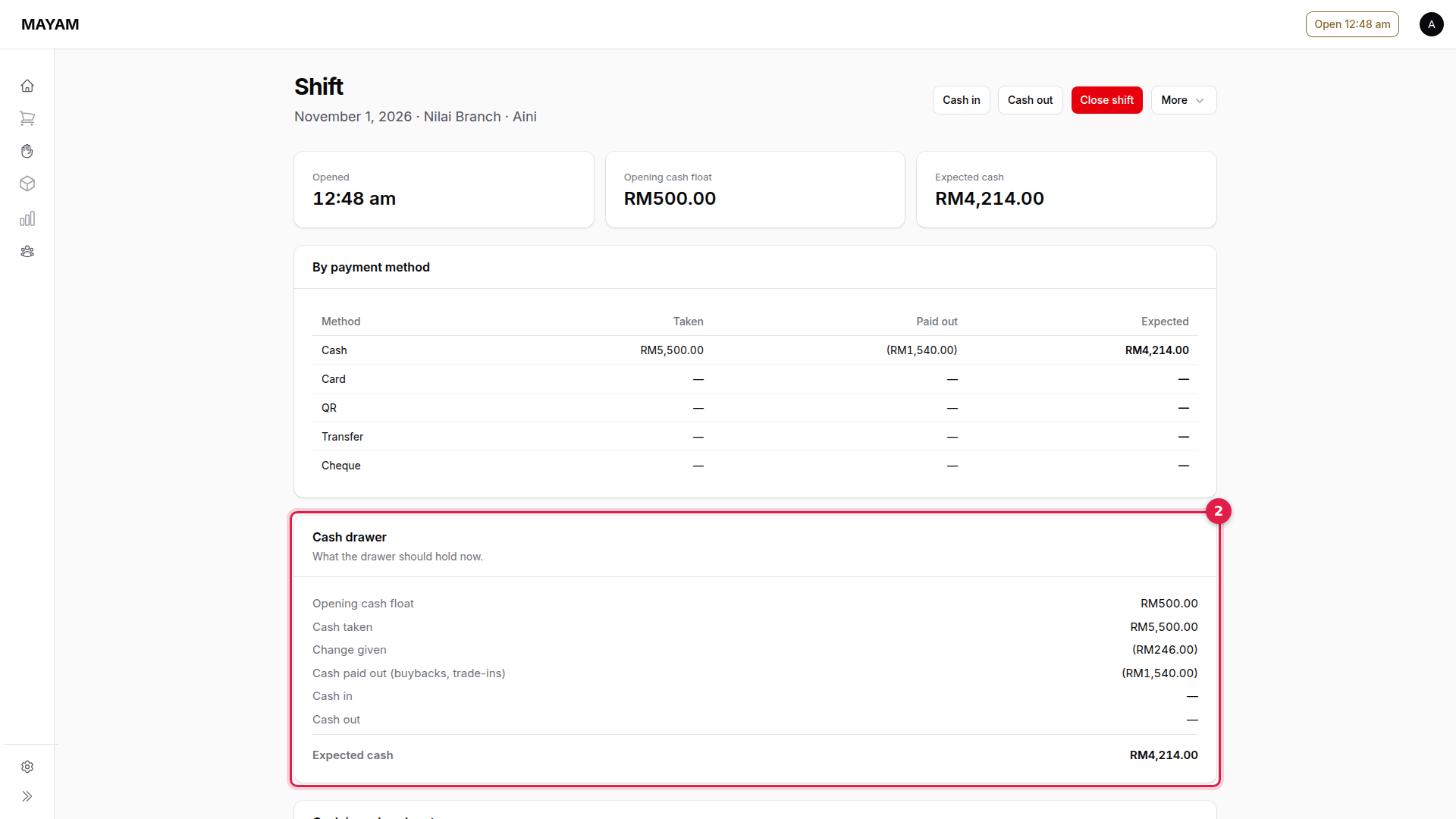
2. Check the cash drawer
Cash drawer shows what the drawer should hold: the float, plus cash taken, less change given, cash paid out for buybacks and cash out.
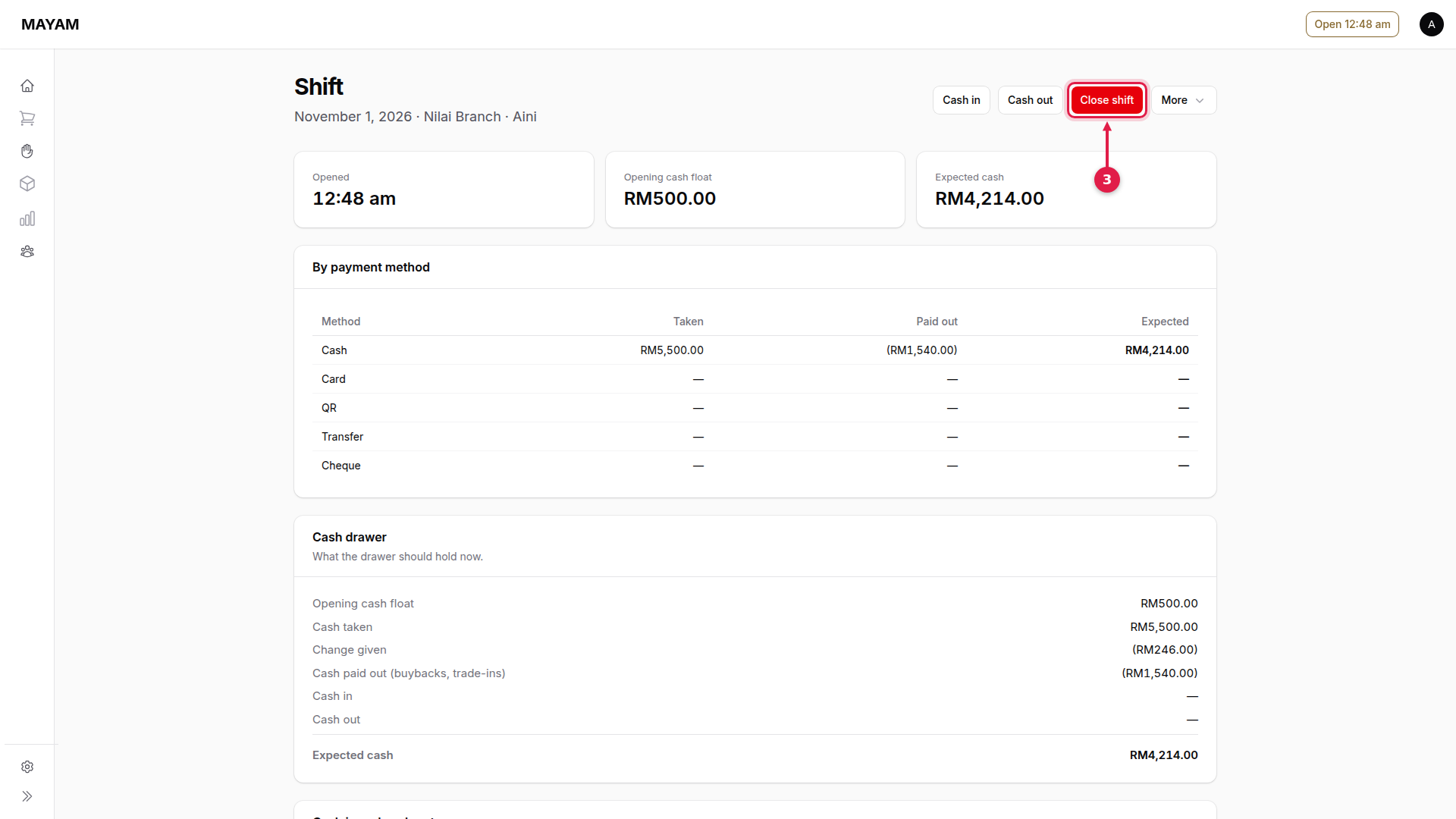
3. Press Close shift
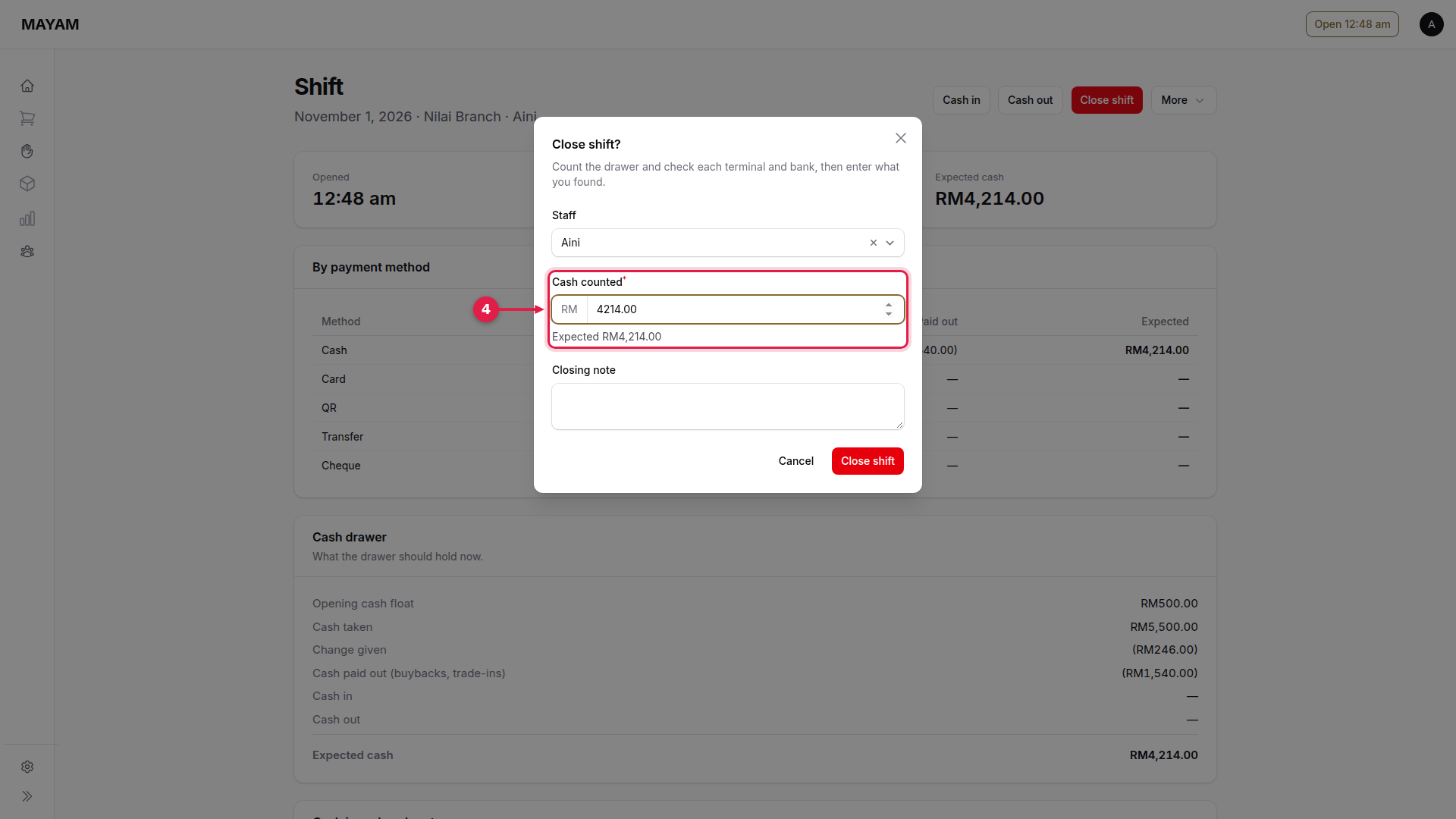
4. Key the cash counted
Count the drawer and key the total. Mayam shows the expected amount beside it. Add a Closing note if anything needs explaining.
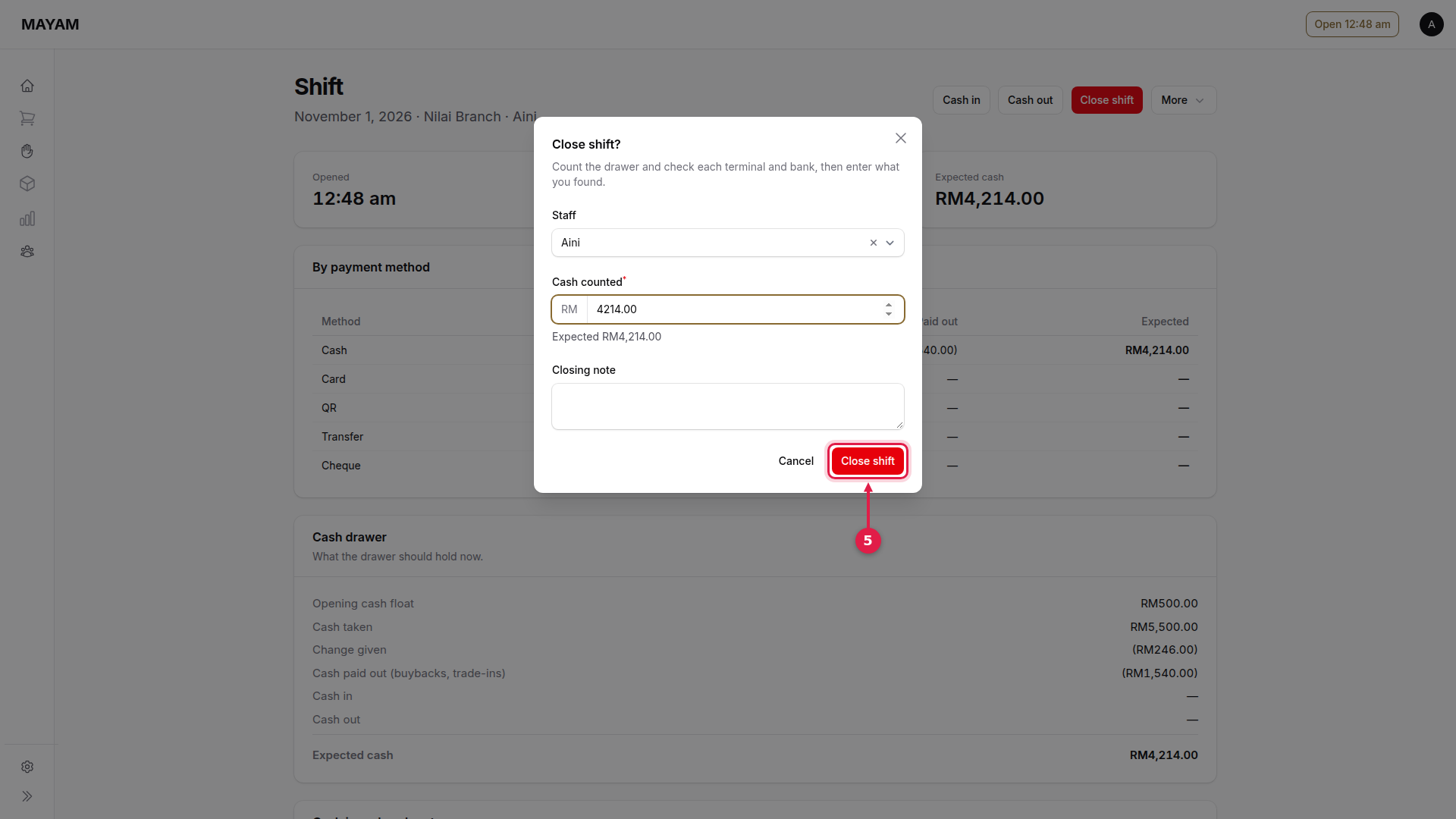
5. Press Close shift
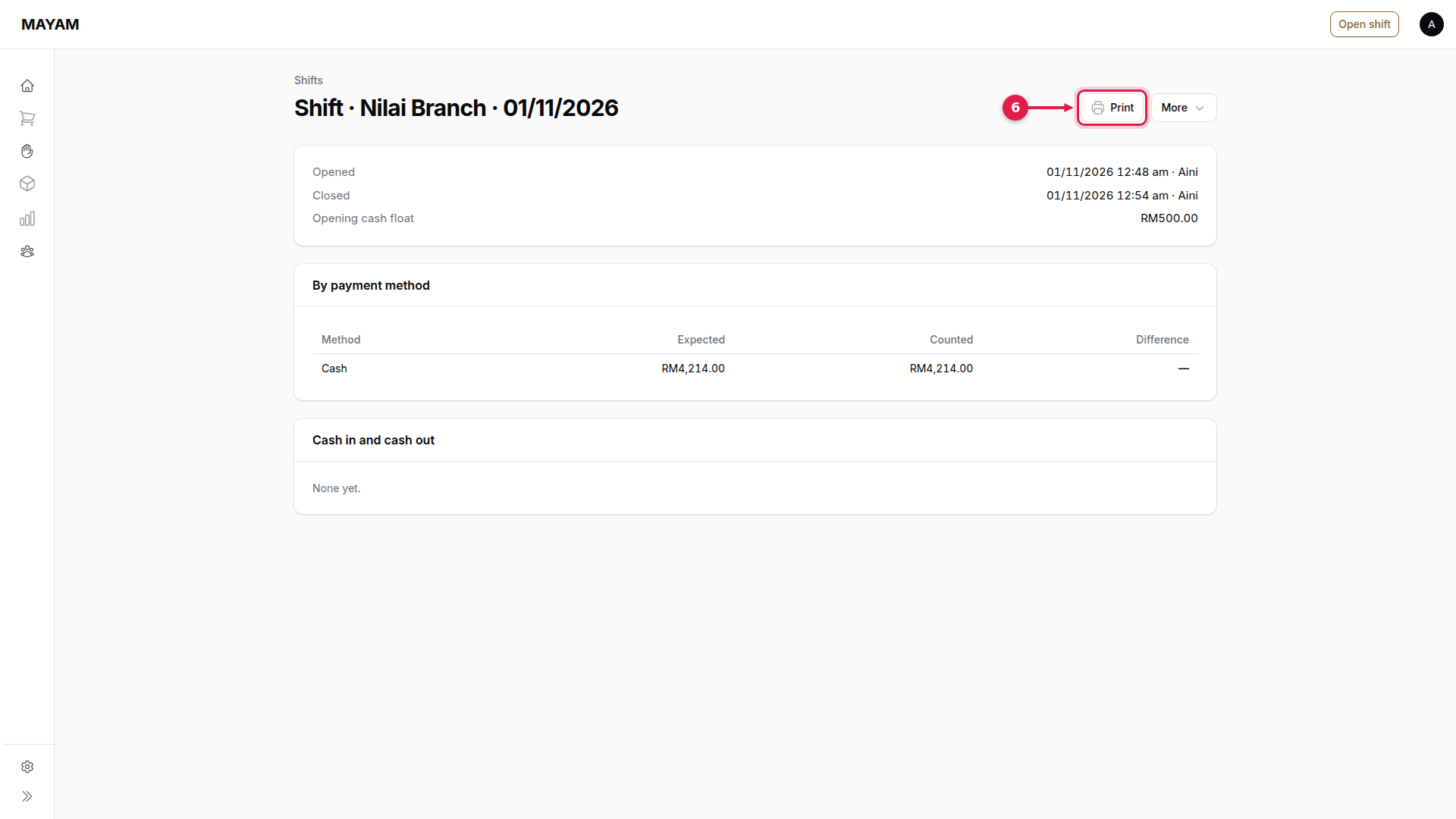
6. Press Print
The shift report shows expected against counted cash. Print it for the day's file.