Lock today's rates
Every morning, before the first sale or buyback, a manager locks the day's gold rates. Until then the counter refuses any piece priced by weight, and no gold can be bought back.
{% hint style="info" %} Locking rates is for managers and the owner. Counter staff see the rates but cannot change them.
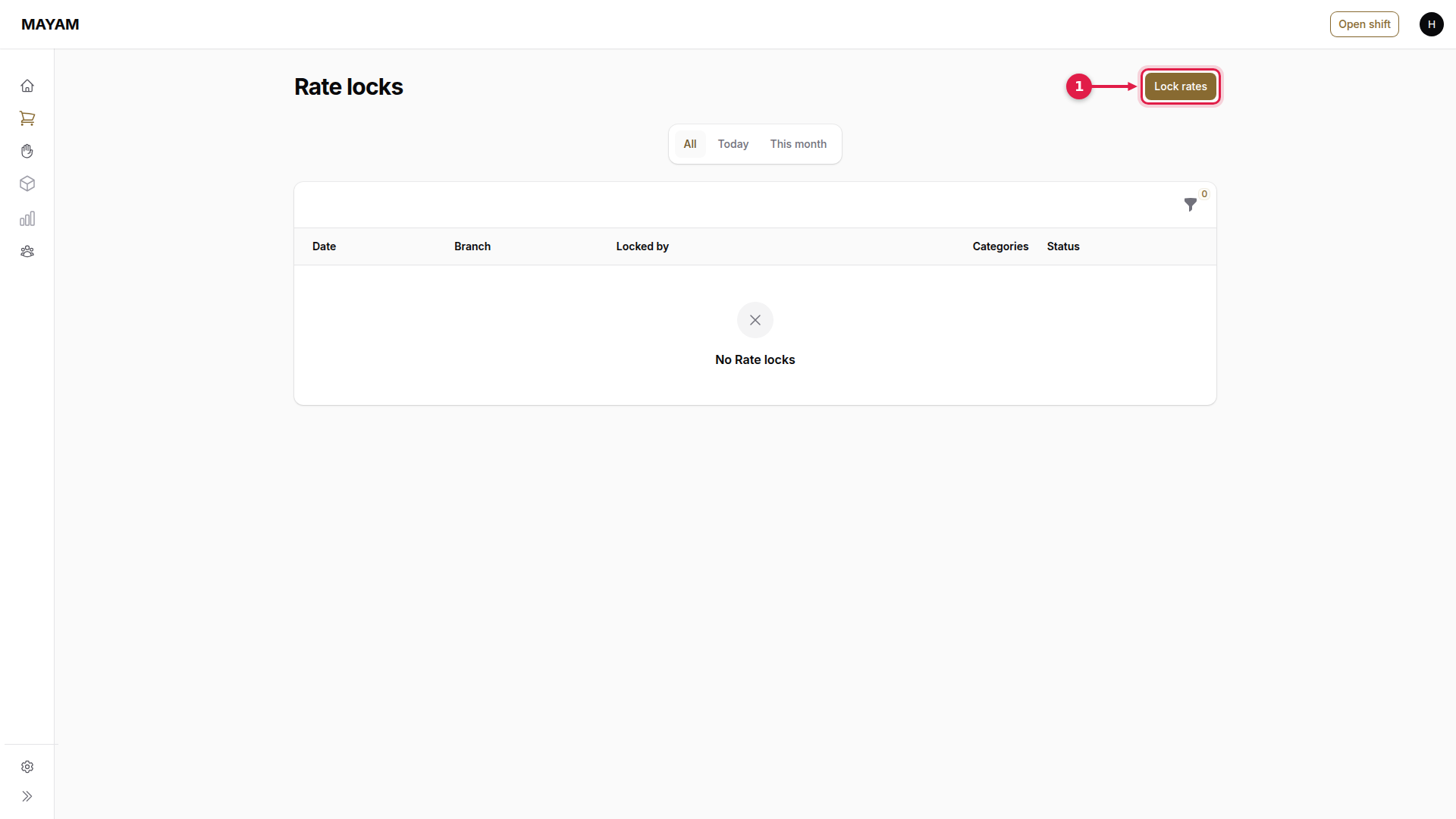
1. Press Lock rates
Go to Counter → Rate locks and press Lock rates.
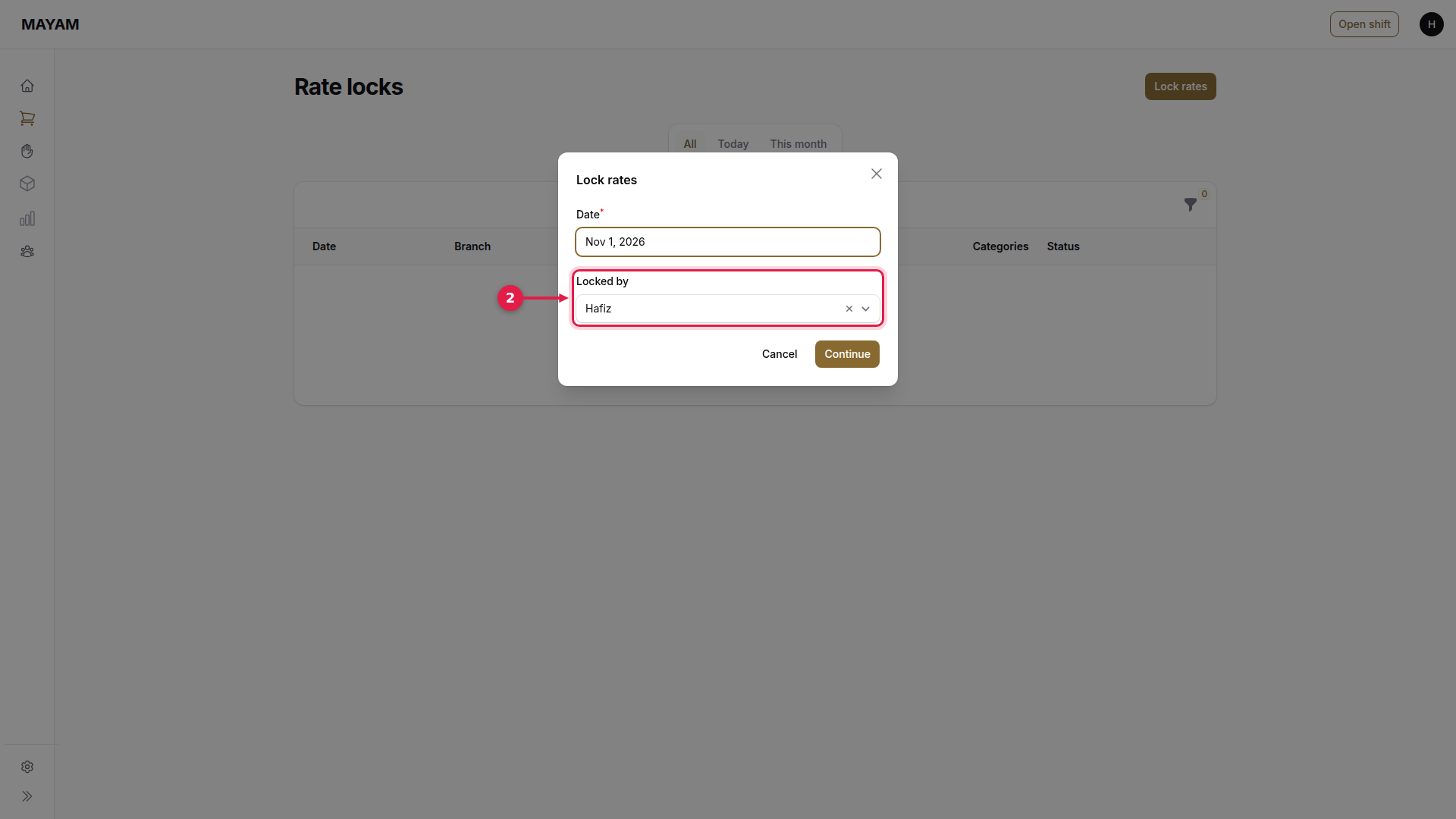
2. Choose who is locking
Locked by is you; at a counter login, enter your PIN. Date is today; only a manager can choose another day. If each outlet locks its own rates, also pick the Outlet, or All outlets.
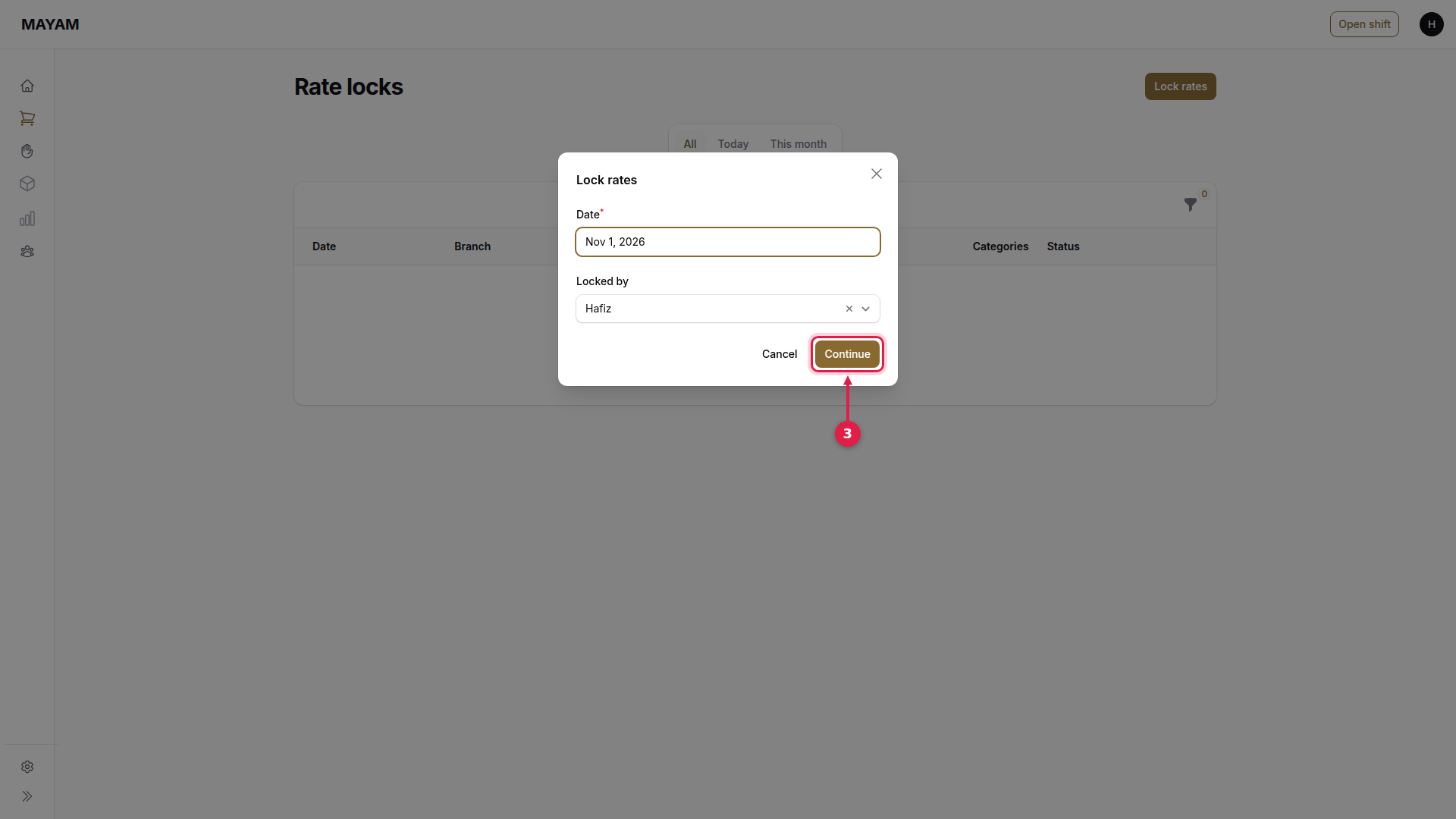
3. Press Continue
4. Key today's rates
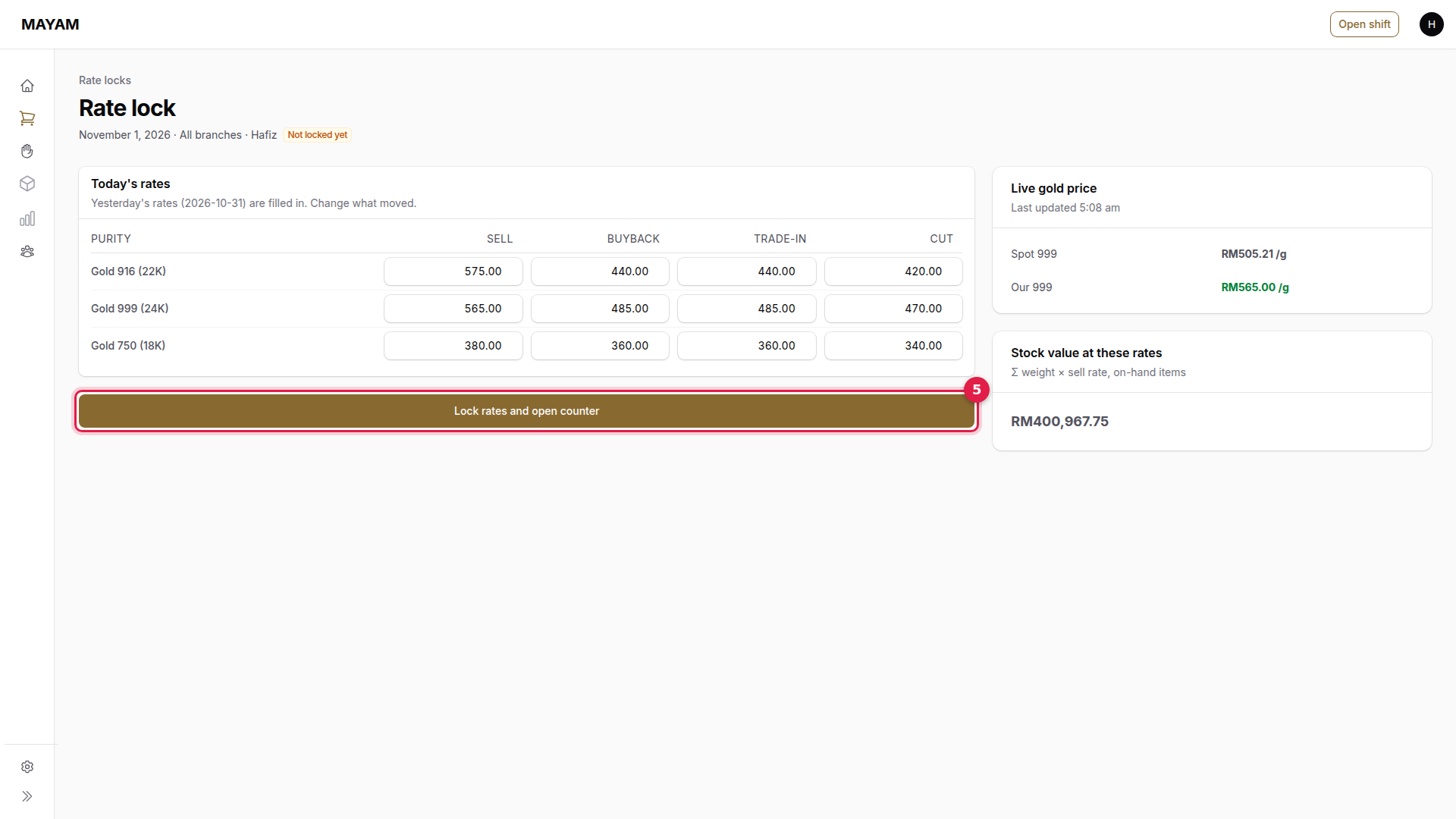
Yesterday's rates are already filled in. Change only what moved: Sell, Buyback, Trade-in and Cut for each purity. The live gold price on the right is a reference only.
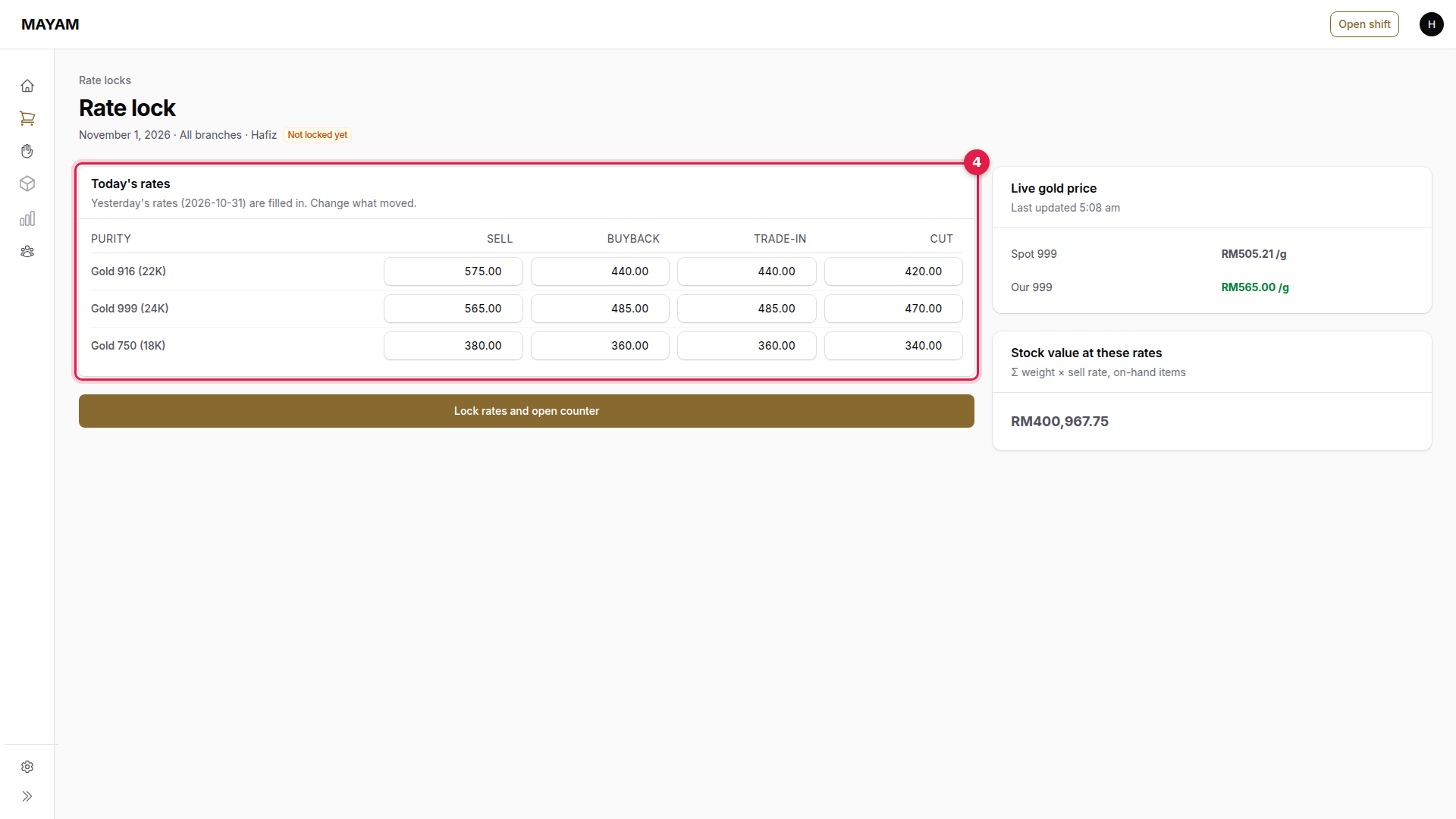
5. Press Lock rates and open counter
A rate more than 3% away from yesterday's asks you to tick I confirm these rates are correct. A buyback rate above the sell rate is refused.
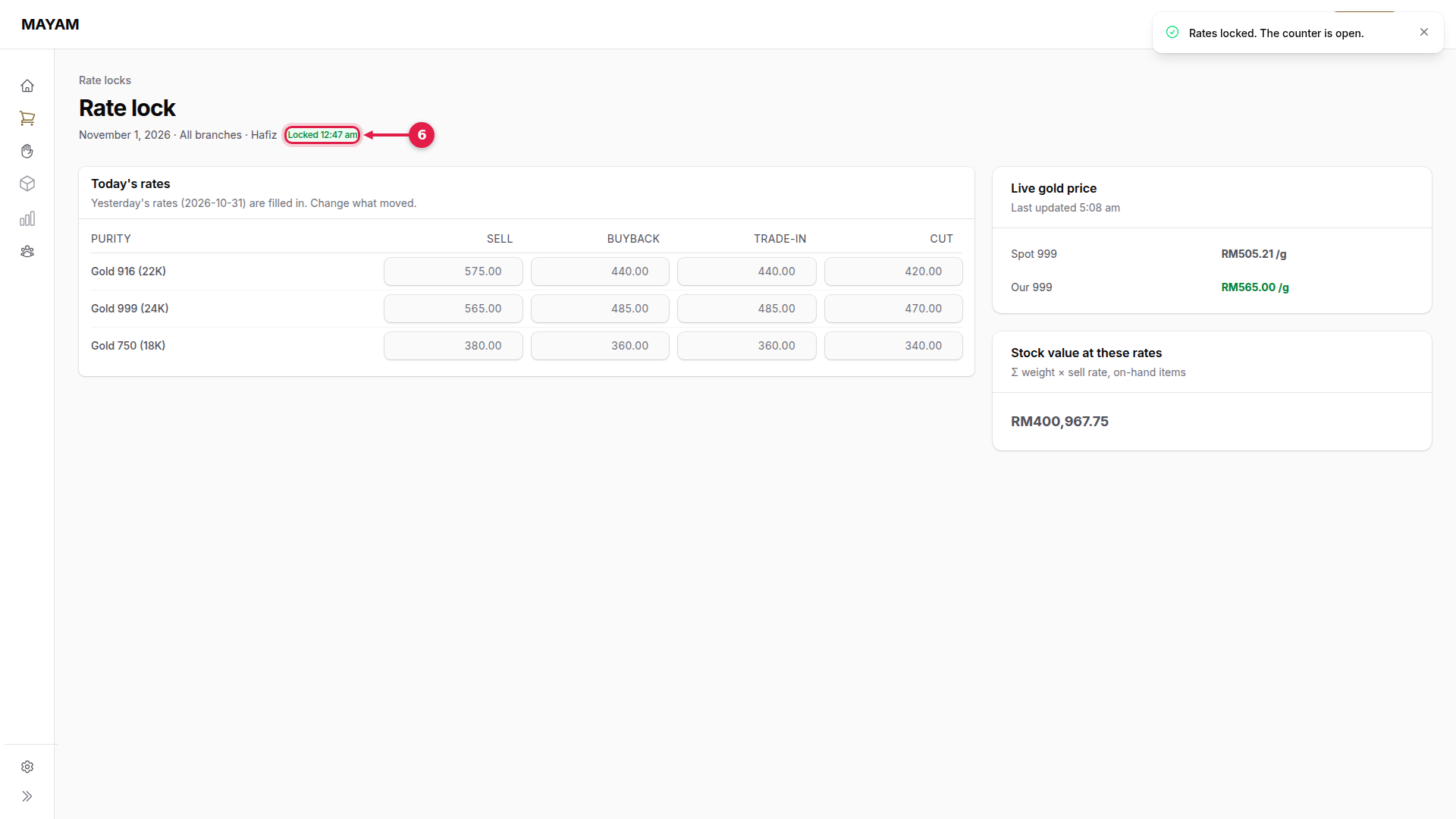
6. Check it says Locked
The page now shows Locked with the time. The sales and buyback counters use these rates.
Changing the rates later in the day
Open today's rate lock and press Change rates, with a reason. New sales use the new rates; sales already started keep the rates they began with.